
Great company, helped me fix my PC for free. HIGHLY RECOMMEND, THANK YOU iTechServiceTM!!!
Remote IT interventions
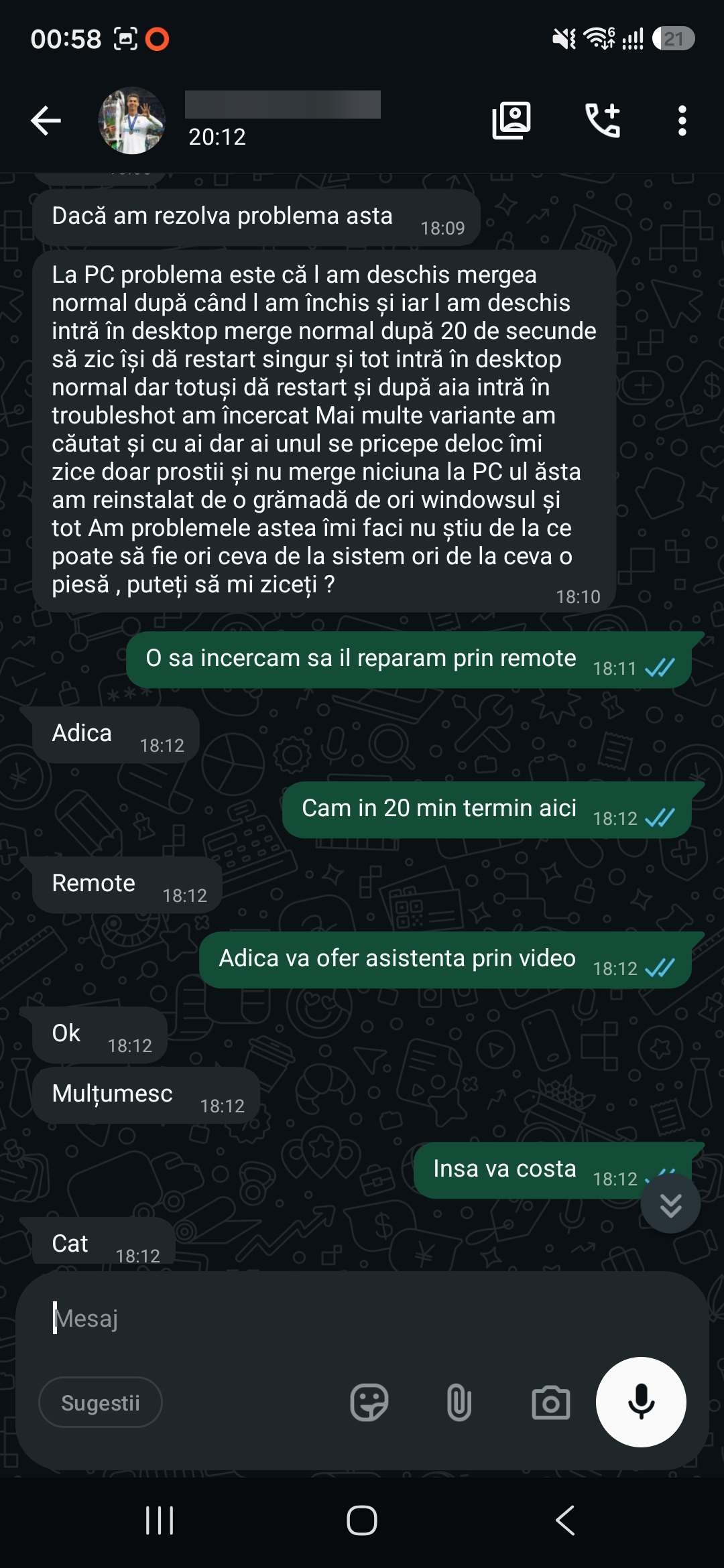
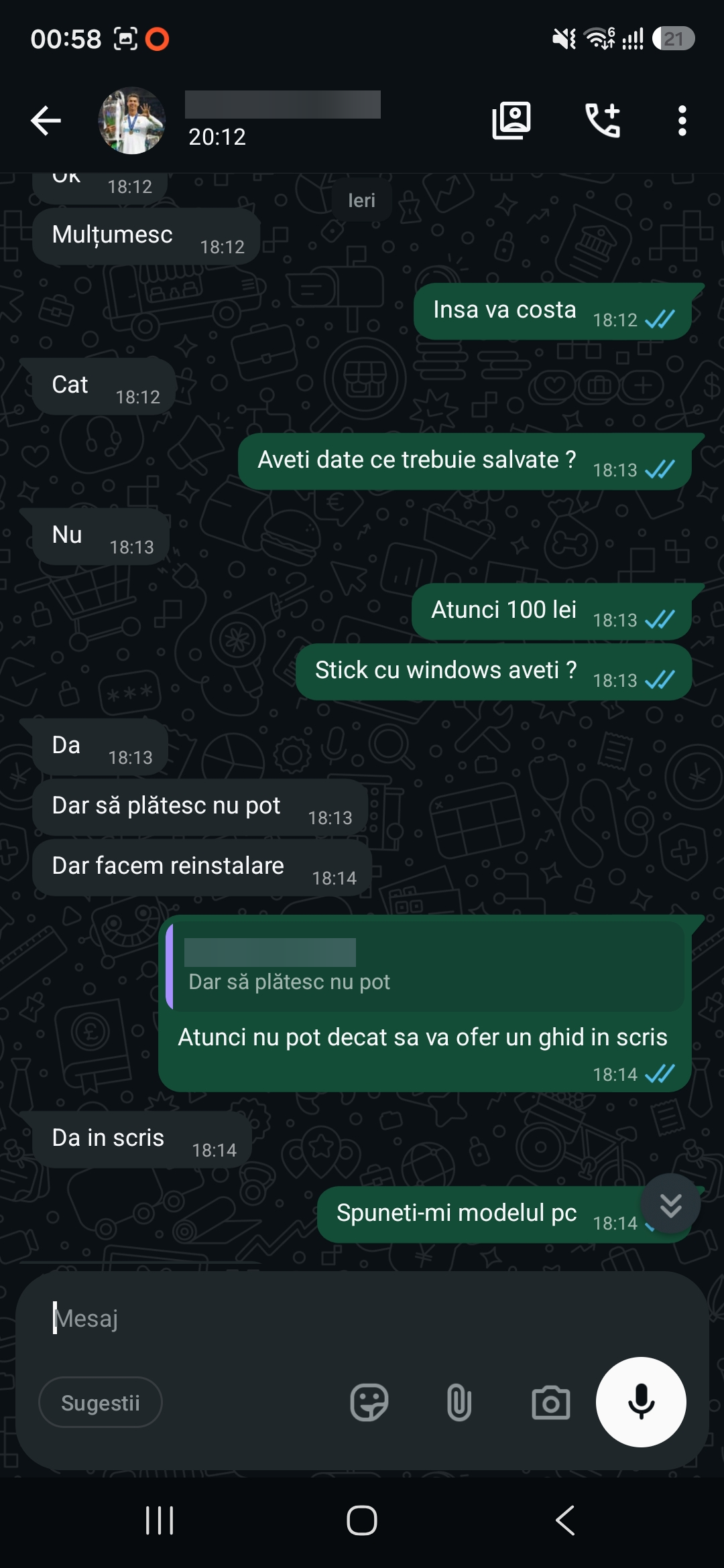
Remote IT support via WhatsApp for a PC that kept restarting after Windows startup
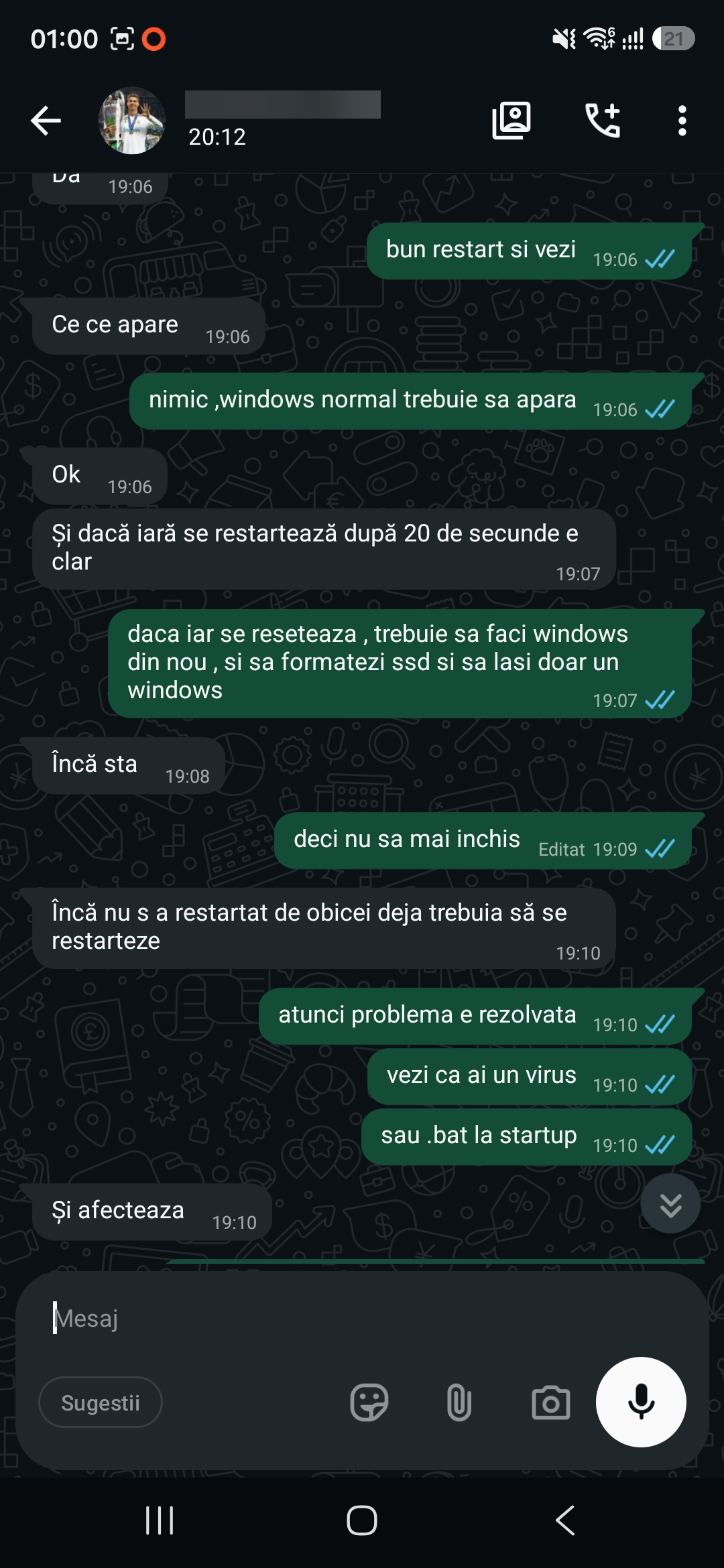
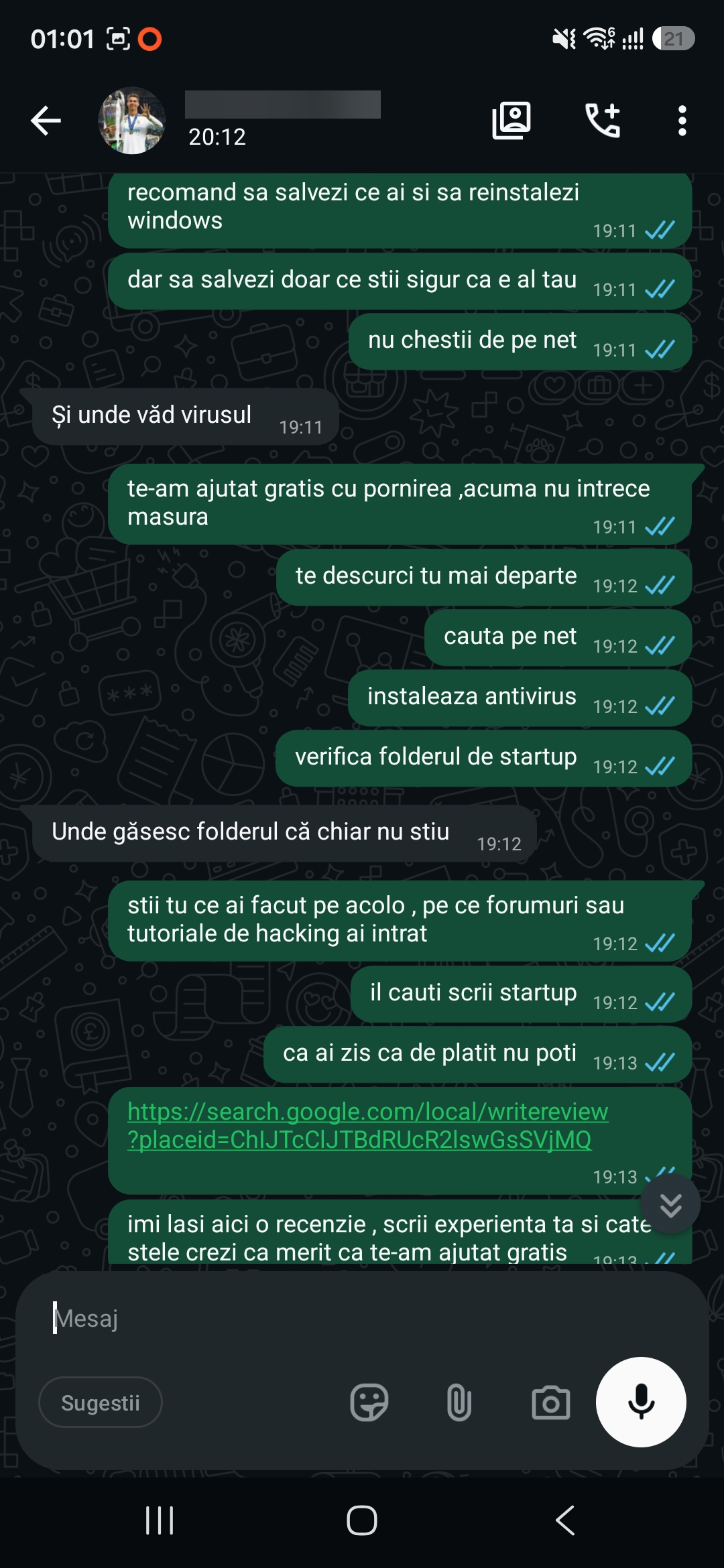
The PC restarted about 20 seconds after the desktop appeared. I provided free guidance through WhatsApp to stop the file that triggered the restart when Windows started.
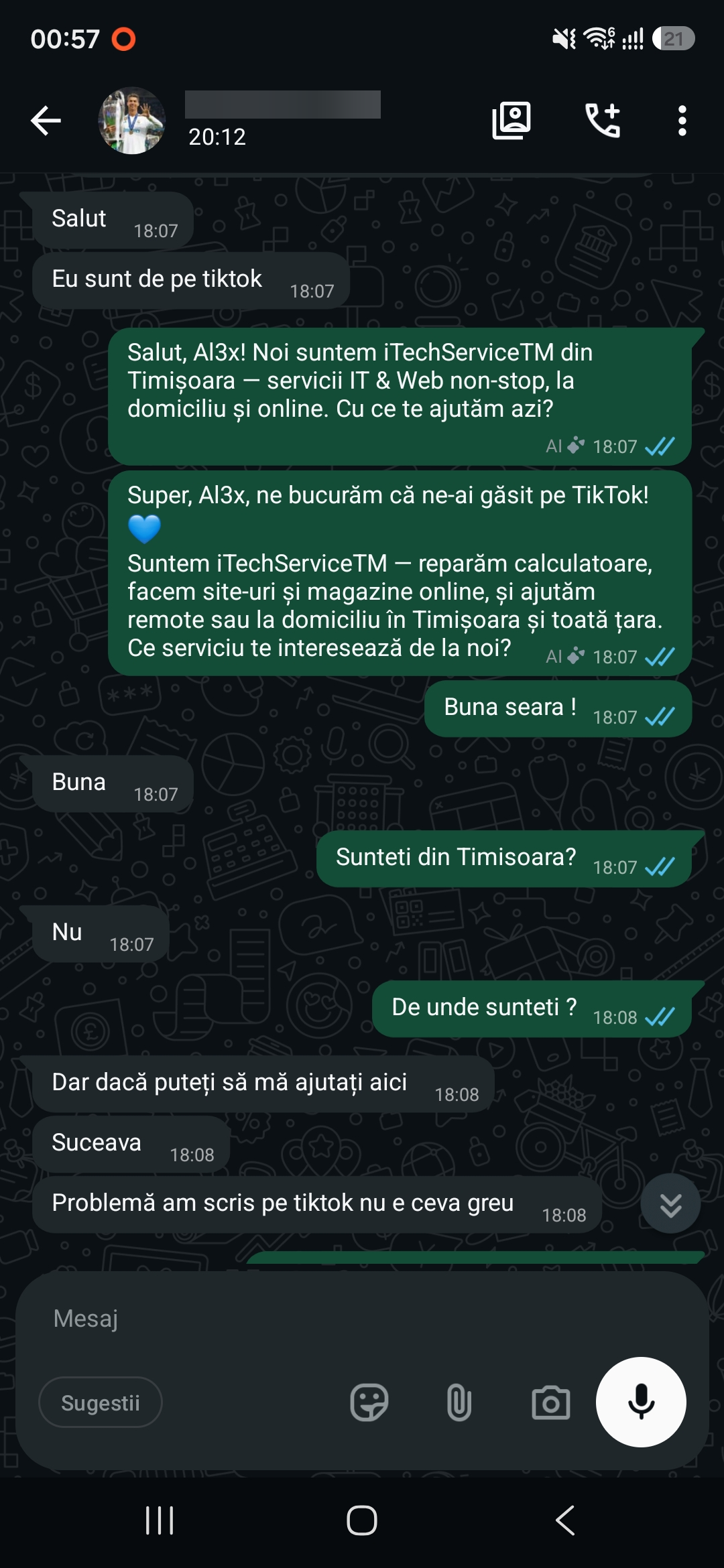
The reported problem
Windows reached the desktop, but the computer restarted about 20 seconds later. This kept happening, leaving the client very little time to check what was starting with the system.
How I provided support through WhatsApp
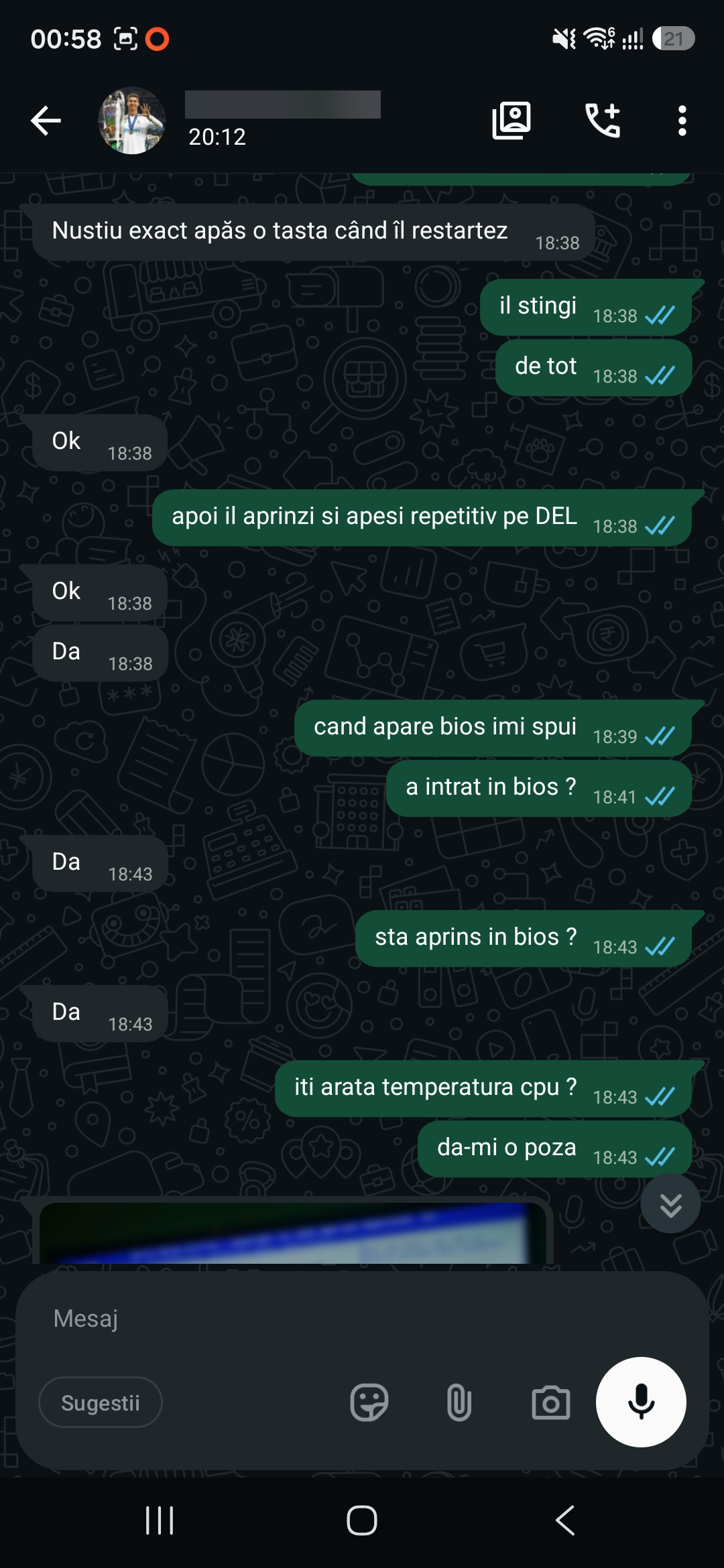
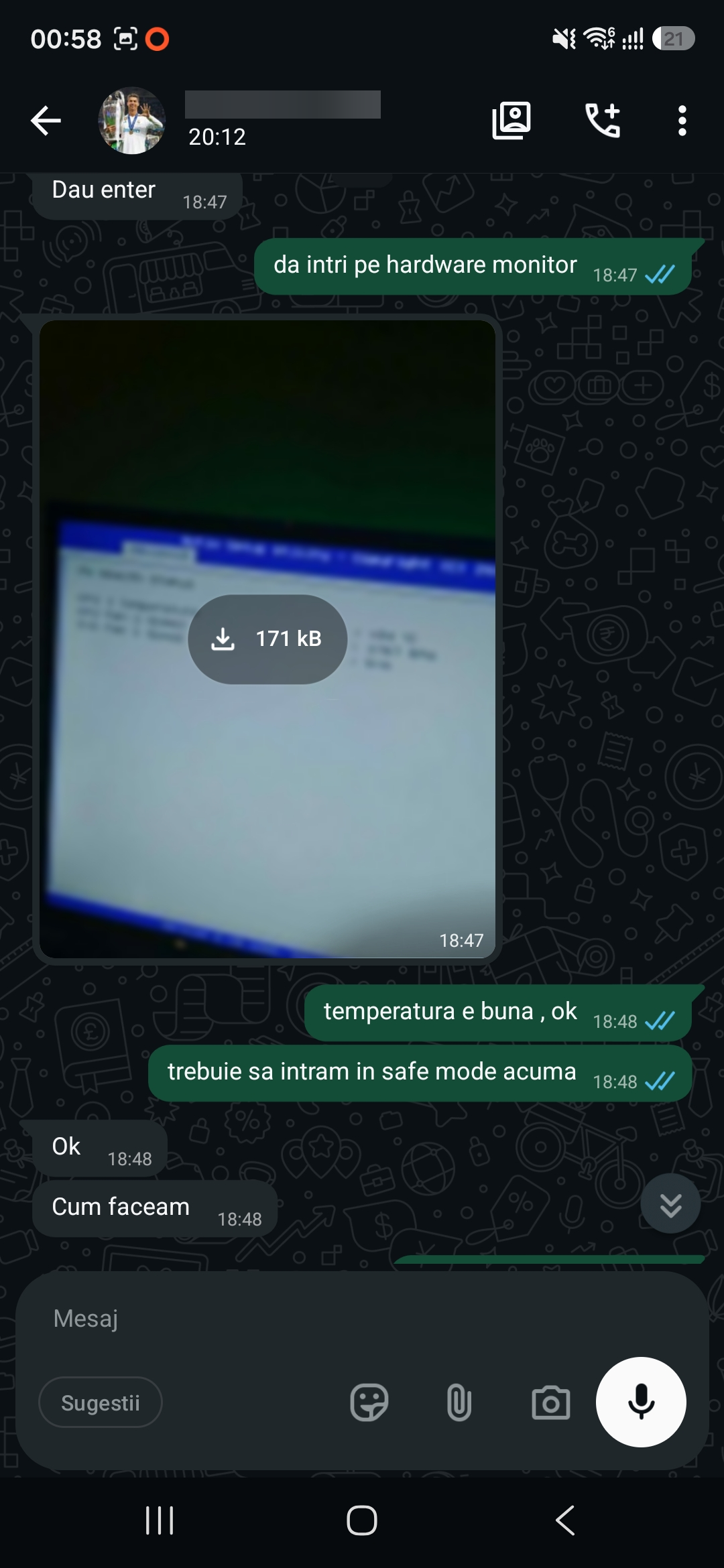
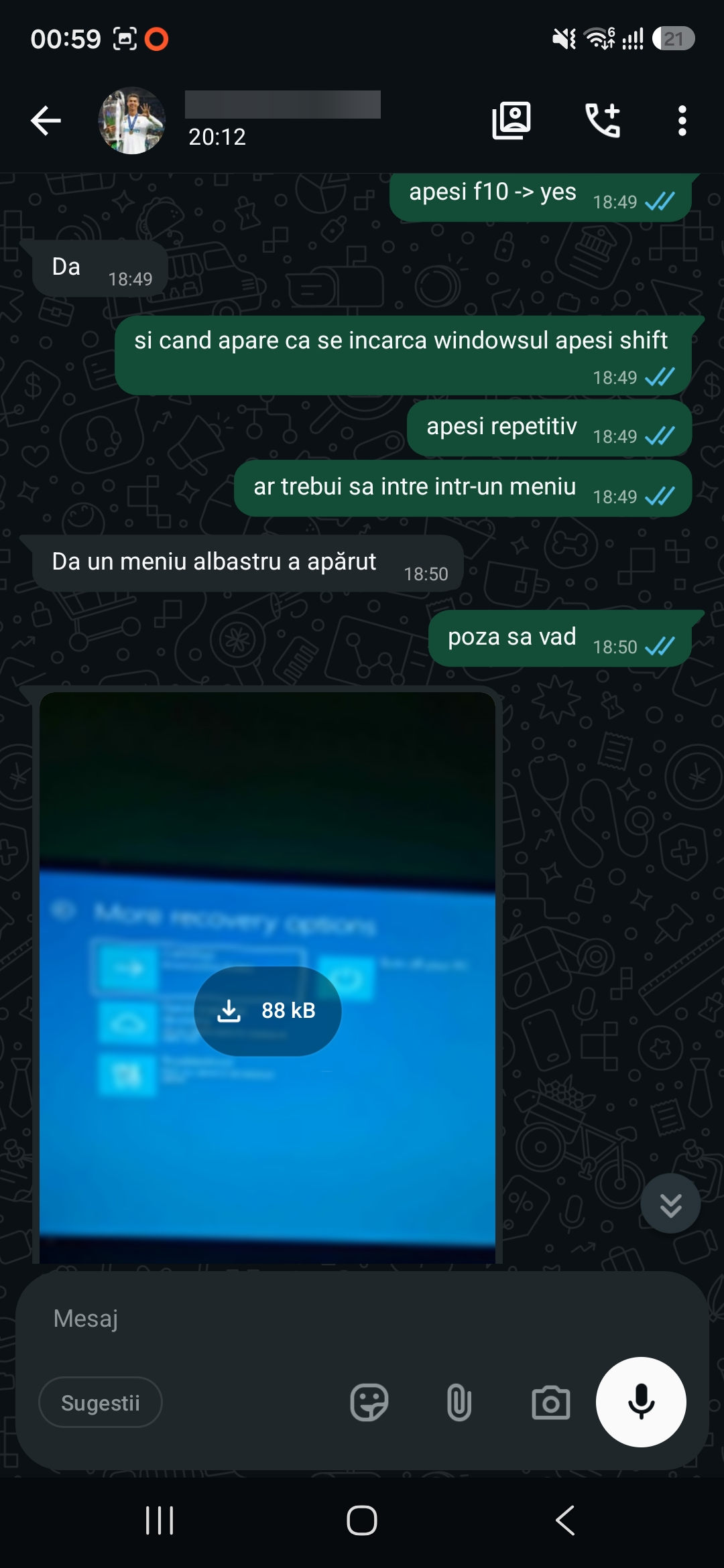
The client followed the steps on their own computer and sent me photos of the screen. I first asked them to check whether the PC stayed on in the BIOS setup and to show me the CPU temperature. I then guided them through the Windows recovery options and into Safe Mode.
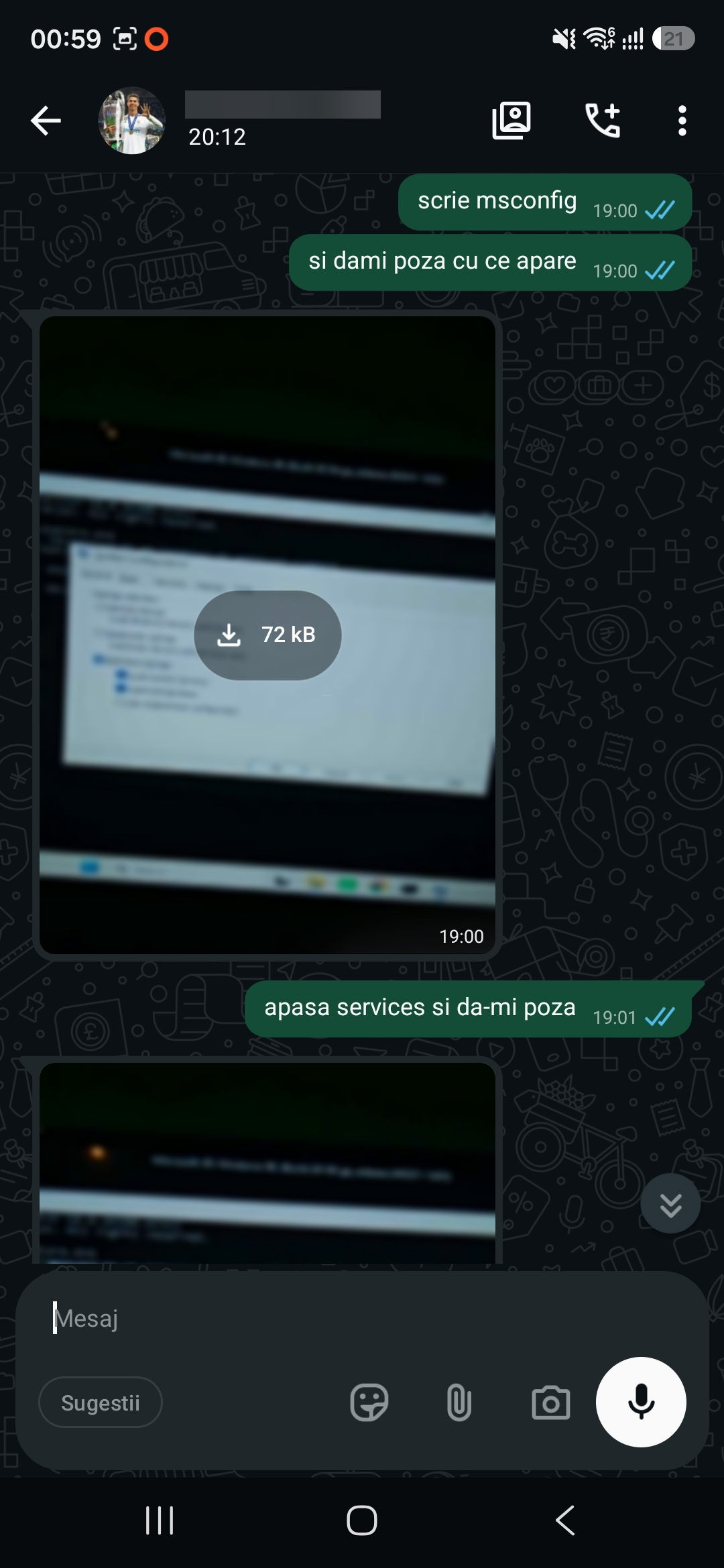
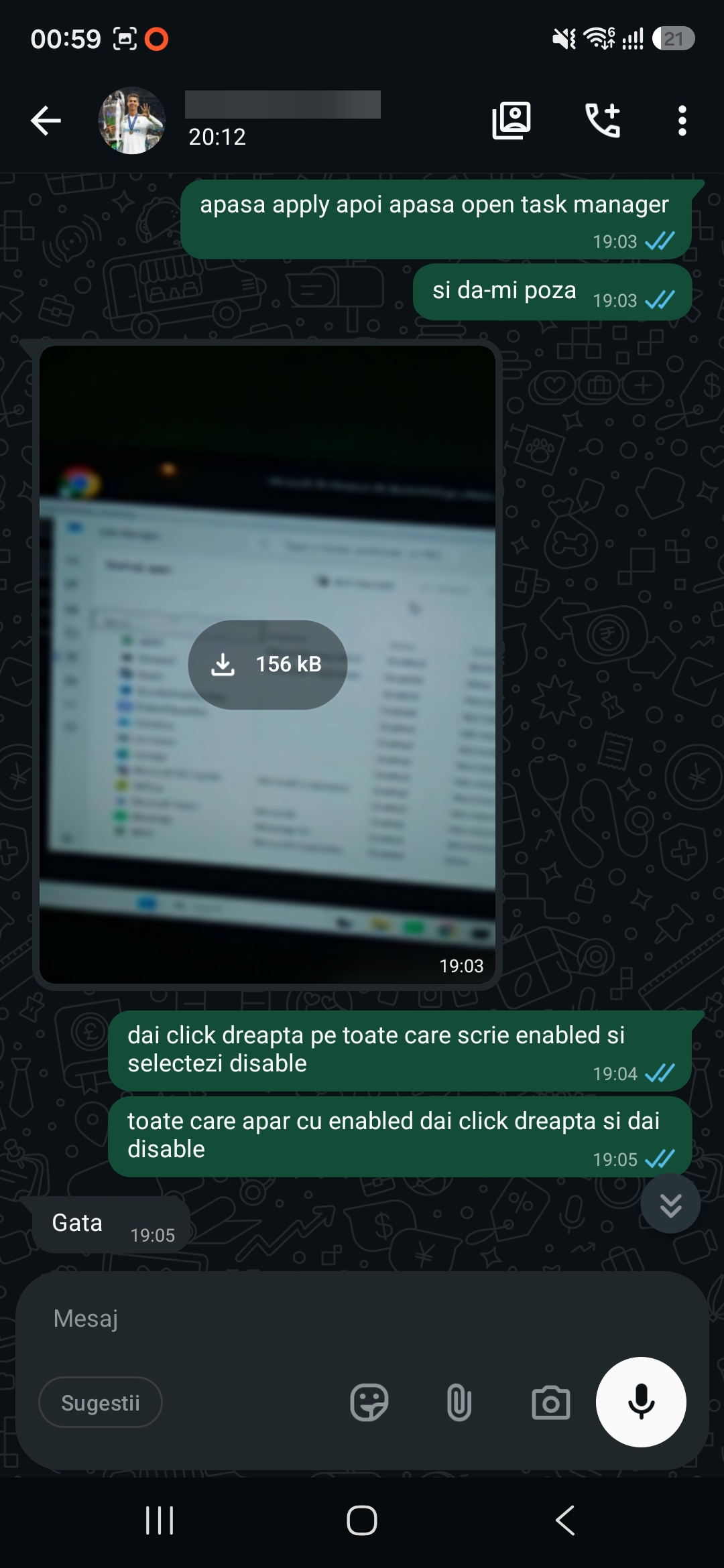
Using System Configuration and Task Manager, we checked what ran automatically. I guided the client through disabling the startup entry that launched the file, then asked them to restart Windows normally.
Result of the intervention
Once the desktop reappeared, the client waited and messaged me to confirm that the PC had stayed on past the point when it usually restarted. I provided this support free of charge.
Photo gallery
Google Reviews
Experiences shared by our clients
5,0 / 5 out of 21 Google reviews.