Super OK! Recommended
Android & iOS applications
iTechServiceTM Admin Panel – Android application for WordPress site management
Android app developed by iTechServiceTM for quick management of WordPress websites: requests, forms, Live Chat, services, portfolio, notifications and statistics, directly from the phone.
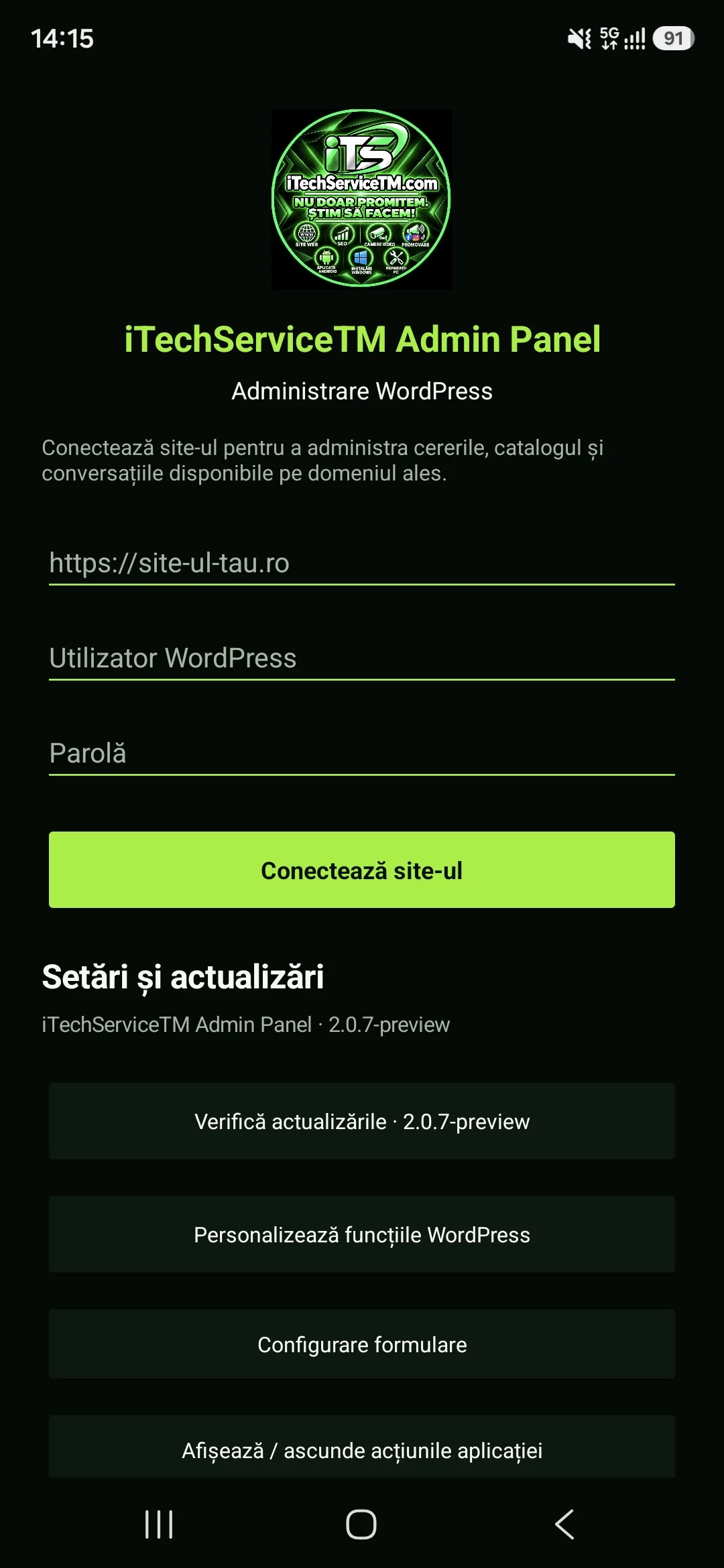
iTechServiceTM Admin Panel is an Android application developed for simplified management of WordPress sites directly from your phone, without needing to constantly access the classic WordPress dashboard.
The app communicates directly with the site via a dedicated WordPress API, created especially for the iTechServiceTM mobile platform, and provides quick access to important management, monitoring, and customer communication features.
The project was designed to transform routine WordPress management operations into a phone-optimized experience, with notifications, differentiated access, Live Chat, forms, and content management in a single Android app.
Implemented features
The app integrates the administrative features needed for fast site management and user communication into a mobile interface.
- secure authentication using authorized WordPress users;
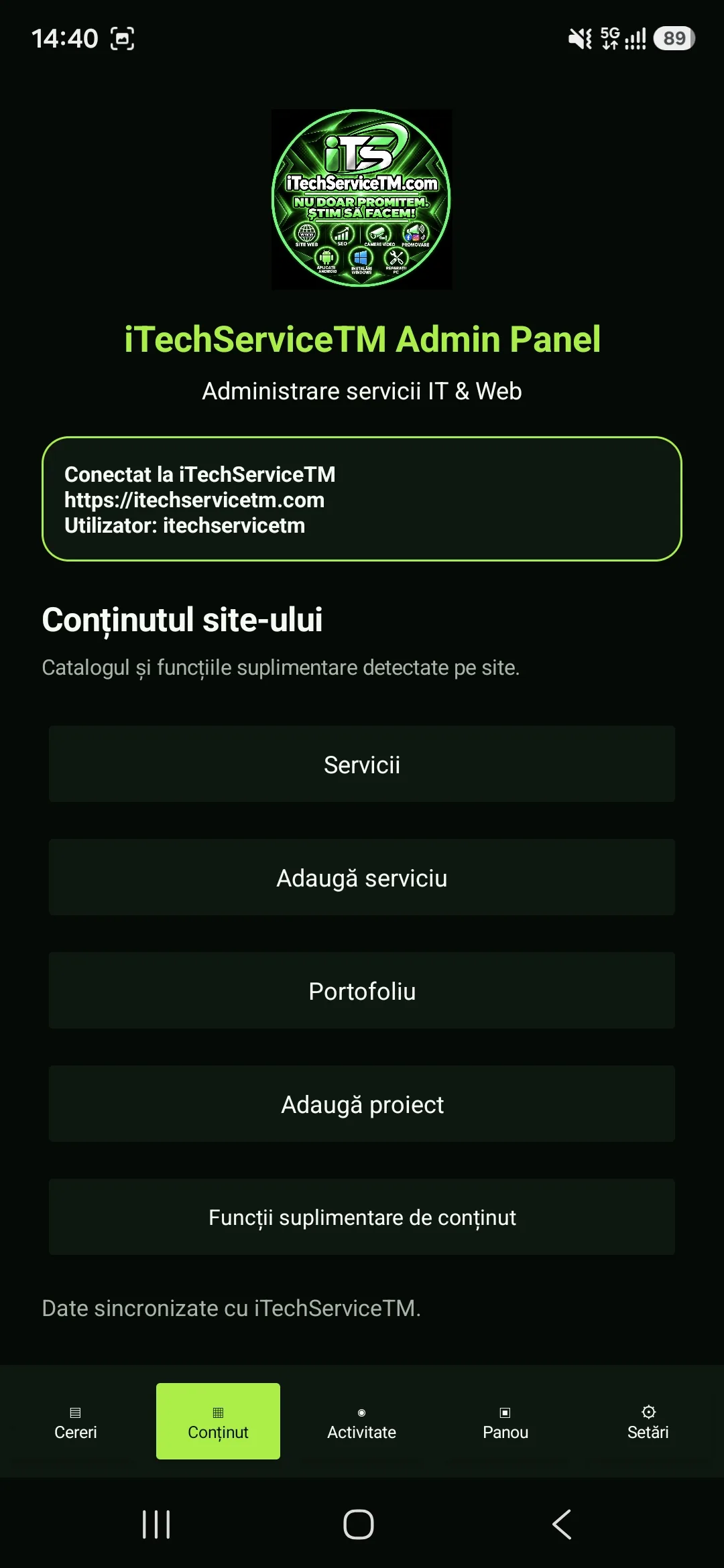
- Mobile Dashboard with relevant information and notifications;
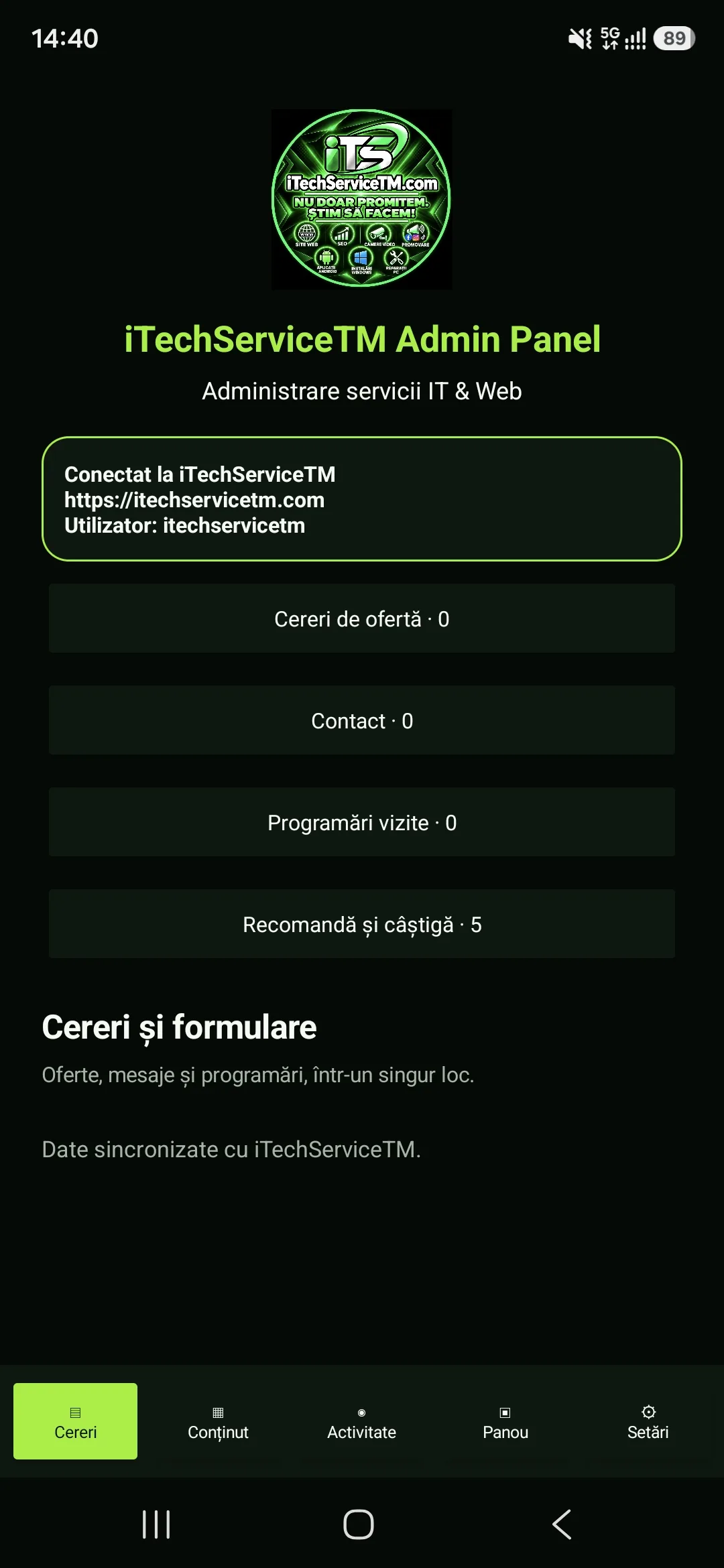
- consulting and managing requests received from customers;
- displaying request statuses and managing them;
- notifications for new messages and requests;
- push notifications via Firebase;
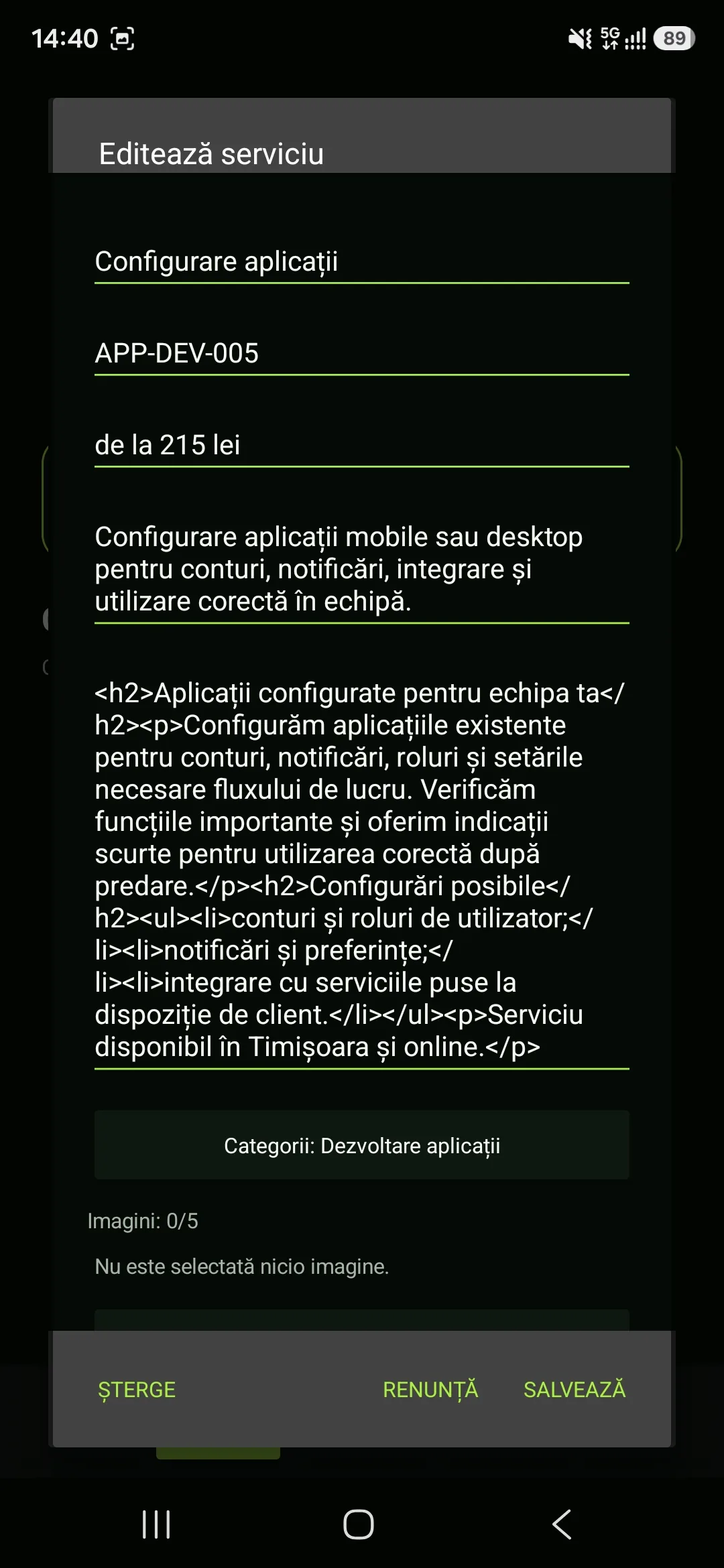
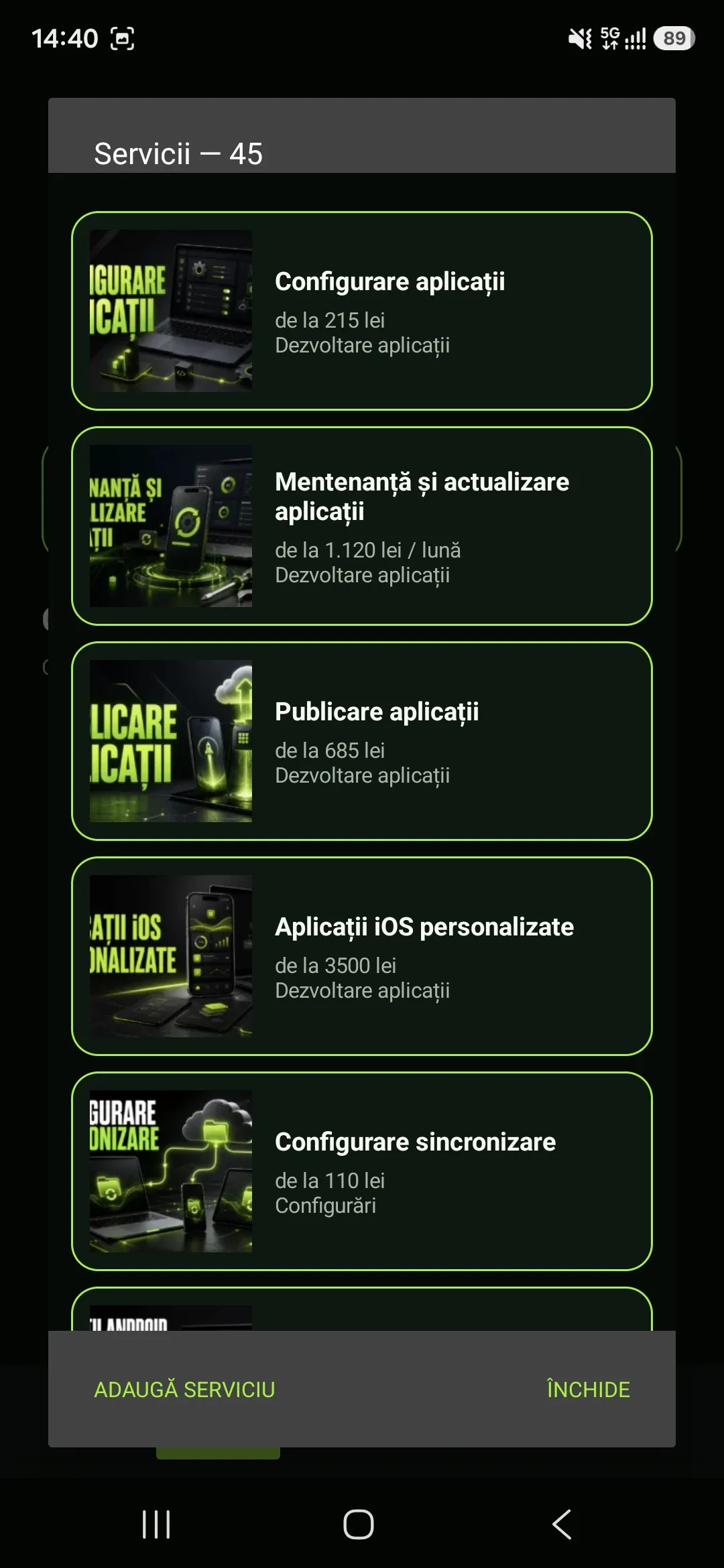
- managing the services and products available on the site;
- modifying information directly from the app;
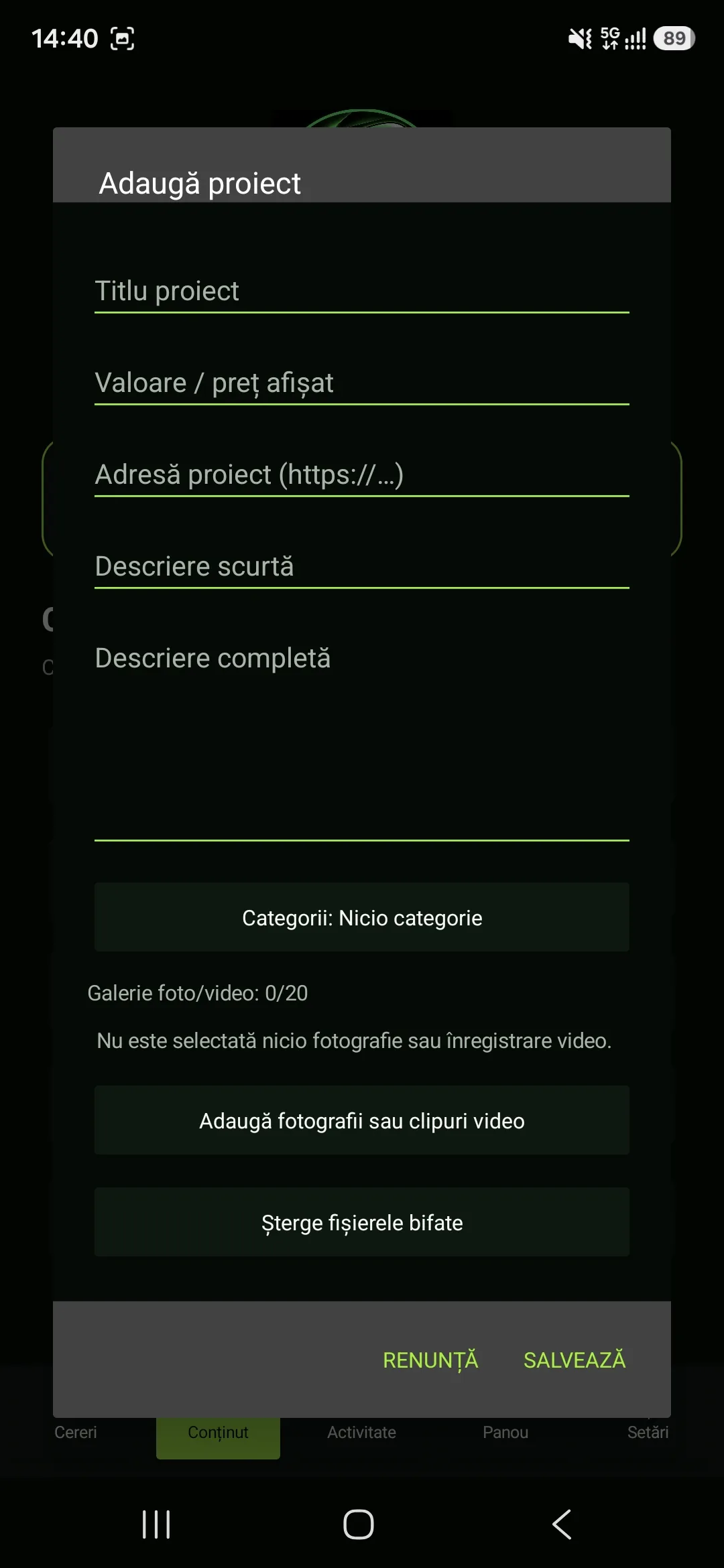
- managing the Portfolio;
- uploading and managing media elements;
- managing categories for services and projects;
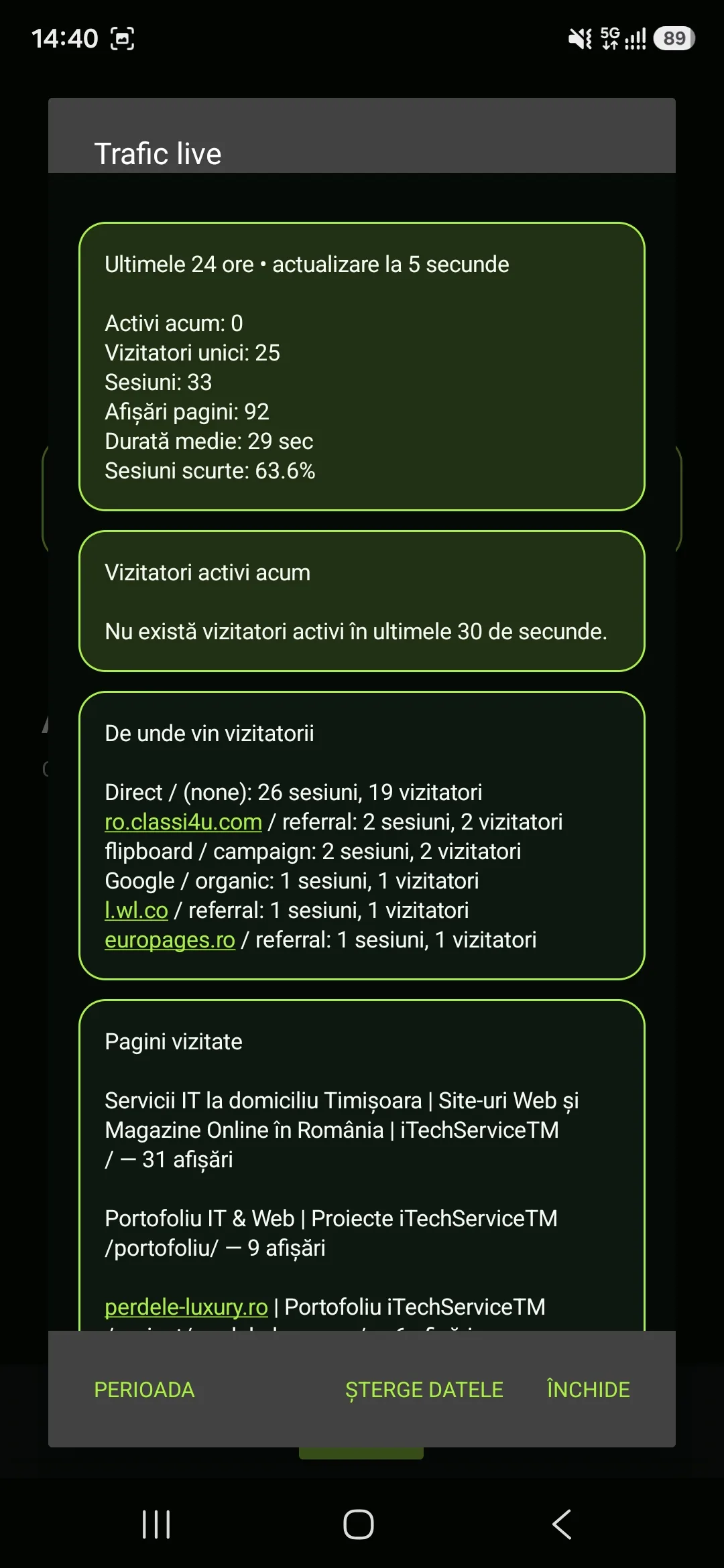
- access to statistics and site traffic information;
- managing authorized devices;
- separate permission system for each device;
- own update system for the Android app.
Forms and customer requests
Requests originating from the site can be viewed directly from the Android app, without opening the WordPress dashboard in a browser.
The app provides separate access to the main types of forms used on the site:
- contact form;
- quote request;
- appointment;
- viewing information submitted by the customer;
- displaying and modifying the request status;
- quick access to the details needed to contact the customer.
Thus, messages and requests can be checked and managed directly from the phone immediately after being received.
Integrated Live Chat
One of the important features of the app is the integration of the Live Chatsystem, which allows direct communication with site visitors.
- viewing active conversations;
- reading received messages;
- sending messages directly from the app;
- continuing existing conversations;
- support for images, videos and other files in conversations;
- notifications for new messages;
- quick access to customer conversations directly from your phone.
The integration allows the operator to respond quickly to requests without having to keep the WordPress panel open on their computer at all times.
Management with differentiated access
The system was designed so that access to administrative functions can be separated according to user and device.
Each authorised device can receive its own permissions without needing full access to site administration.
For example, an operator can be given access only to:
- Live Chat;
- messages;
- contact forms;
- quote requests;
- appointments;
- notifications associated with these functions.
At the same time, access for modifying services, products, projects or other administrative elements can remain disabled.
This system allows the application to be used by multiple team members, each having access only to the functions necessary for their activity.
Device and permission management
The application includes a dedicated system for managing connected and authorised devices.
- identifying devices using the application;
- authorising access for each device;
- individual configuration of permissions;
- limiting access to certain modules;
- separate control over available administrative functions.
In this way, site access does not depend exclusively on standard WordPress roles, but can be additionally controlled at the Android application level.
Custom WordPress integration
For communication between the Android application and WordPress, a proprietary infrastructurewas developed, adapted to the functions available in the application.
The system manages communication between the application and the site for:
- authentication;
- users;
- authorised devices;
- permissions;
- notifications;
- forms;
- Live Chat;
- services and products;
- portfolio;
- media files;
- categories;
- statistics and site information;
- other administrative functions available in the application.
Through this architecture, the application is not just a WebView interface for WordPress, but a dedicated Android administration panel, directly connected to the site's functions and data.
Optimised interface for mobile management
Administrative functions have been reorganised into an interface designed specifically for use on mobile devices.
The main objective was to reduce the time needed to check messages, enquiries and site activity, so that important operations can be carried out directly from the phone.
The user can quickly check notifications, conversations, forms and administrative information without navigating through the complete WordPress panel structure.
Custom notification system
The application integrates a notification system for important events occurring on the site.
- new Live Chat messages;
- new enquiries received via forms;
- quote requests;
- appointments;
- other relevant events for site management.
Integration with is used for push notifications Firebase, allowing alerts to be displayed directly on the Android device.
Custom update system
The application also includes a own update system, designed for distributing new versions and keeping the application up to date without relying solely on external distribution mechanisms.
This system facilitates the deployment of new versions when functions, optimisations or infrastructure changes are added.
Can also be implemented on other WordPress sites
The solution is not limited exclusively to the infrastructure iTechServiceTM.
The application architecture can also be adapted and implemented for other WordPress sites, depending on the structure, functions and types of content used in each project.
The application can be customised with:
- the company's visual identity;
- its own logo and name;
- the brand's colours and graphic elements;
- the services and categories existing on the site;
- custom forms;
- dedicated administrative modules;
- different permissions for users and devices;
- custom notifications;
- Live Chat;
- content management;
- functions developed specifically for project requirements.
Solution available for other companies
iTechServiceTM Admin Panel represents both a solution developed for managing the iTechServiceTM infrastructure and a platform that can be adapted for other companies using WordPress.
The solution is available for implementation and commercialisation to other companies that want their own Android application for managing their WordPress site, adapted to their visual identity, structure and business-specific functions.
Final Result
The result of the project is an Android administration panel connected directly to WordPress, which centralises important functions for site management and customer communication into a single application.
- dedicated Android application;
- WordPress integration via custom API;
- Mobile Dashboard;
- form and enquiry management;
- integrated Live Chat;
- sending and receiving messages;
- transfer of images, videos and files in conversations;
- Firebase push notifications;
- service and product management;
- Portfolio management;
- media and category handling;
- statistics and site information;
- managing authorized devices;
- individual permissions for each device;
- proprietary update system;
- adaptable architecture for other WordPress sites.
iTechServiceTM Admin Panel transforms WordPress administration into a mobile, fast, and controlled workflow, keeping each user's access to the features they need separate.
Desktop and mobile demonstration
Photo gallery
Google Reviews
Experiences shared by our clients
5,0 / 5 out of 20 Google reviews.