
Super OK! Recommended
Configurations & networks
Windows 11 Installation, SSD Formatting and 5 GHz Wi-Fi Router Configuration | Timisoara – On-Site
IT intervention performed by iTechServiceTM at a client's home in Timisoara, on an Acer Aspire 3 laptop. The work included formatting and repartitioning the SSD, installing Windows 10, upgrading to Windows 11 and configuring the router to use the 5 GHz Wi-Fi network.
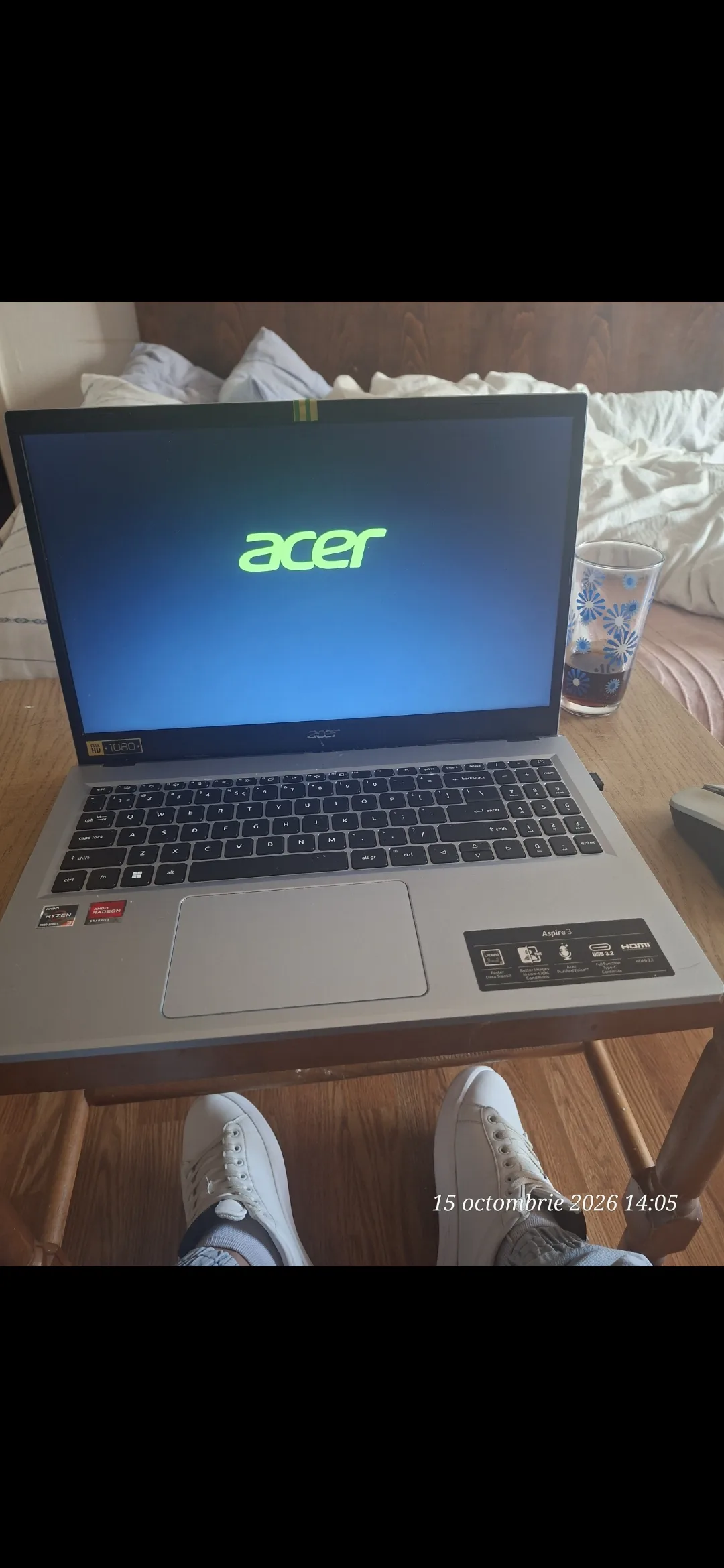
iTechServiceTM carried out an IT intervention at a client's home in Timisoara, with the objective of reinstalling and updating the operating system, reorganising storage space and configuring the wireless connection.
The intervention was performed on an Acer Aspire 3 laptop, equipped with an AMD Ryzen processor and AMD Radeon graphics, without the client needing to travel to an IT service centre.
💻 SSD Formatting and Repartitioning
The first stage of the intervention consisted in preparing the SSD drive for the installation of the operating system.
Operations performed:
Formatting the SSD drive.
Repartitioning the storage space.
Preparing the partition for the Windows installation.
Preparing the laptop for the installation of the operating system.
Reorganising the partitions allows storage space to be managed according to the user's needs.
🖥️ Windows 10 Installation and Upgrade to Windows 11
After preparing the SSD, the Windows 10 operating system was installed, followed by the update to Windows 11.
The intervention included:
Installation of the Windows 10 operating system.
Going through the installation and configuration steps.
Performing the upgrade from Windows 10 to Windows 11.
Updating to Windows 11 provides access to a modern interface, updated features and support for Microsoft security updates, provided compatibility requirements are met.
📶 Wi-Fi Router Configuration for the 5 GHz Network
In addition to the software intervention on the laptop, the client requested the configuration of the wireless router to use the 5 GHz frequency band.
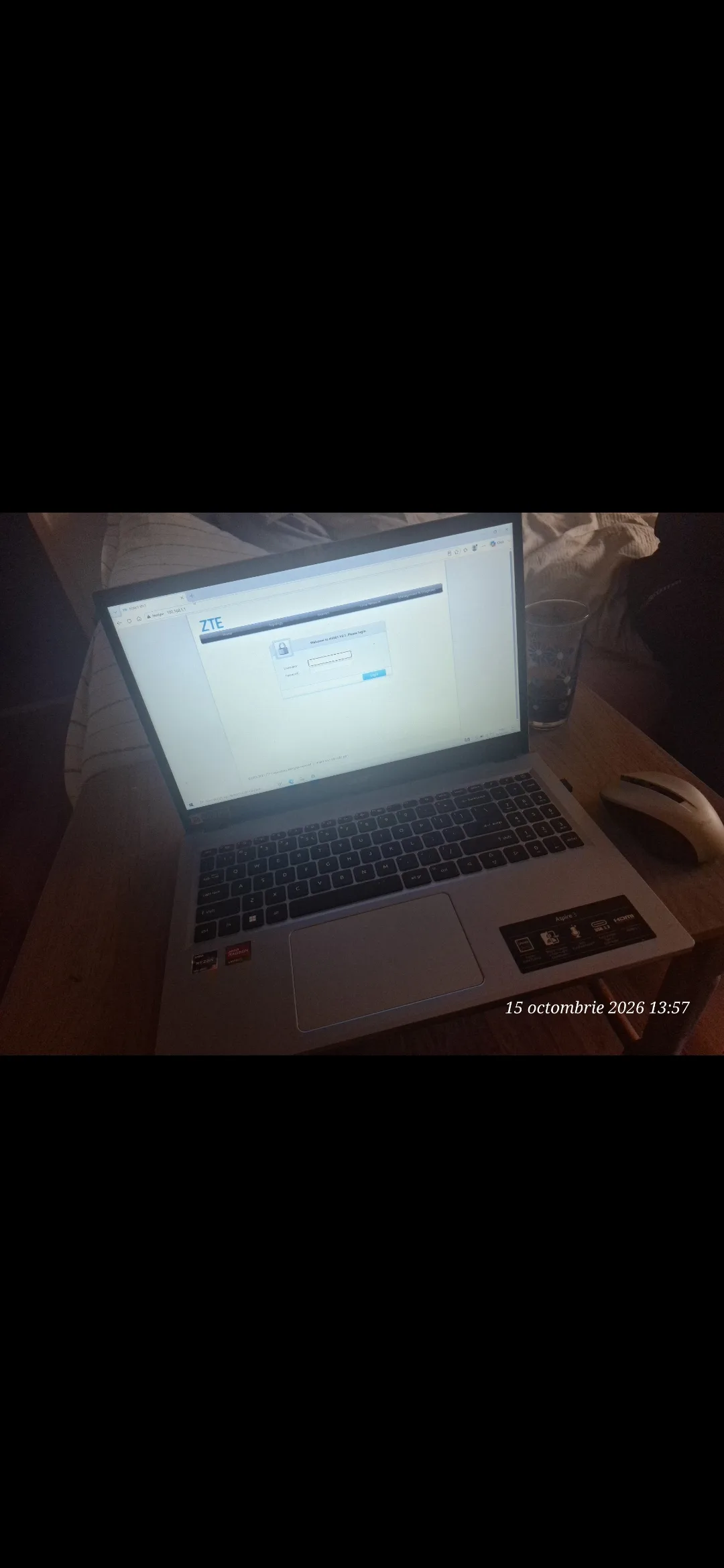
The ZTE router administration interface was accessed and the configuration necessary to use the 5 GHz Wi-Fi network was performed.
Advantages of using 5 GHz Wi-Fi:
The possibility of achieving higher transfer speeds than on 2,4 GHz, under compatible conditions.
Reduction of interference in environments with numerous wireless networks.
Connection suitable for streaming, video conferences and file transfers.
Efficient use of devices compatible with the 5 GHz band.
Actual performance depends on the router, device, distance, obstacles and interference.
🏠 IT Services Directly at the Client's Home in Timisoara
All operations were performed at the client's home, without transporting the laptop to a repair workshop.
Through this intervention, iTechServiceTM offered a solution that included both the installation and updating of the operating system and the configuration of the wireless network.
Services performed during the project:
✅ SSD Formatting
✅ SSD Repartitioning
✅ Windows 10 Installation
✅ Windows 10 to Windows 11 Upgrade
✅ ZTE Router Configuration
✅ 5 GHz Wi-Fi Configuration
✅ At-Home IT Assistance in Timisoara
🔧 Do you need Windows installation or Wi-Fi configuration in Timisoara?
iTechServiceTM offers at-home IT services in Timisoara and Timis County, for computers, laptops and network equipment.
Photo gallery

Google Reviews
Experiences shared by our clients
5,0 / 5 out of 20 Google reviews.