
IT interventions
ASUS M509DA laptop internal cleaning and thermal paste replacement – AMD Ryzen 5 3500U
Hardware maintenance for the ASUS M509DA laptop, equipped with an AMD Ryzen 5 3500U processor and Radeon Vega 8 graphics. The intervention included disassembling the laptop, cleaning accumulated dust from the inside and the cooling system, replacing the thermal conductive paste, and checking temperatures with HWiNFO after reassembly.
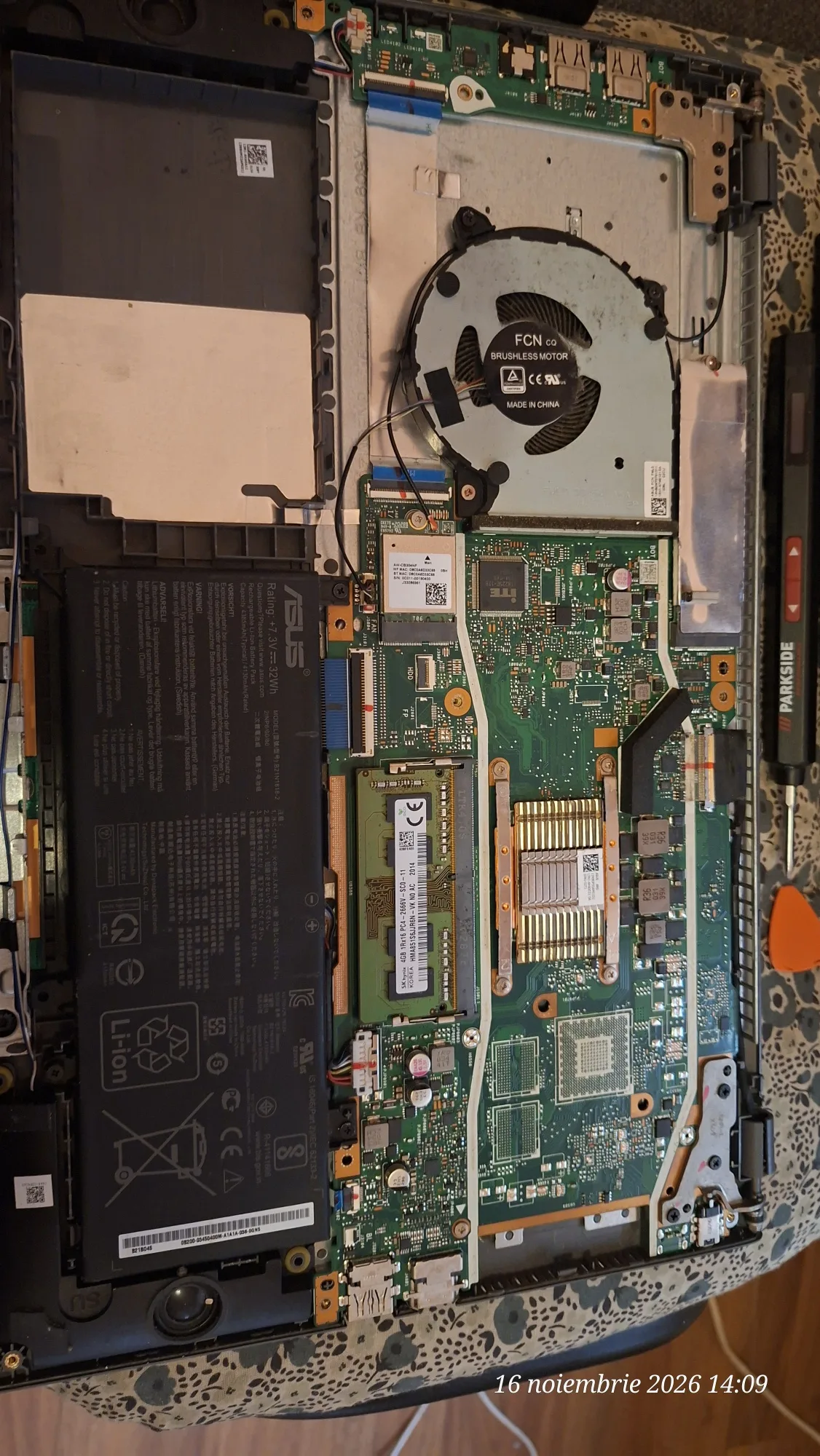
Hardware and cooling system maintenance – ASUS M509DA
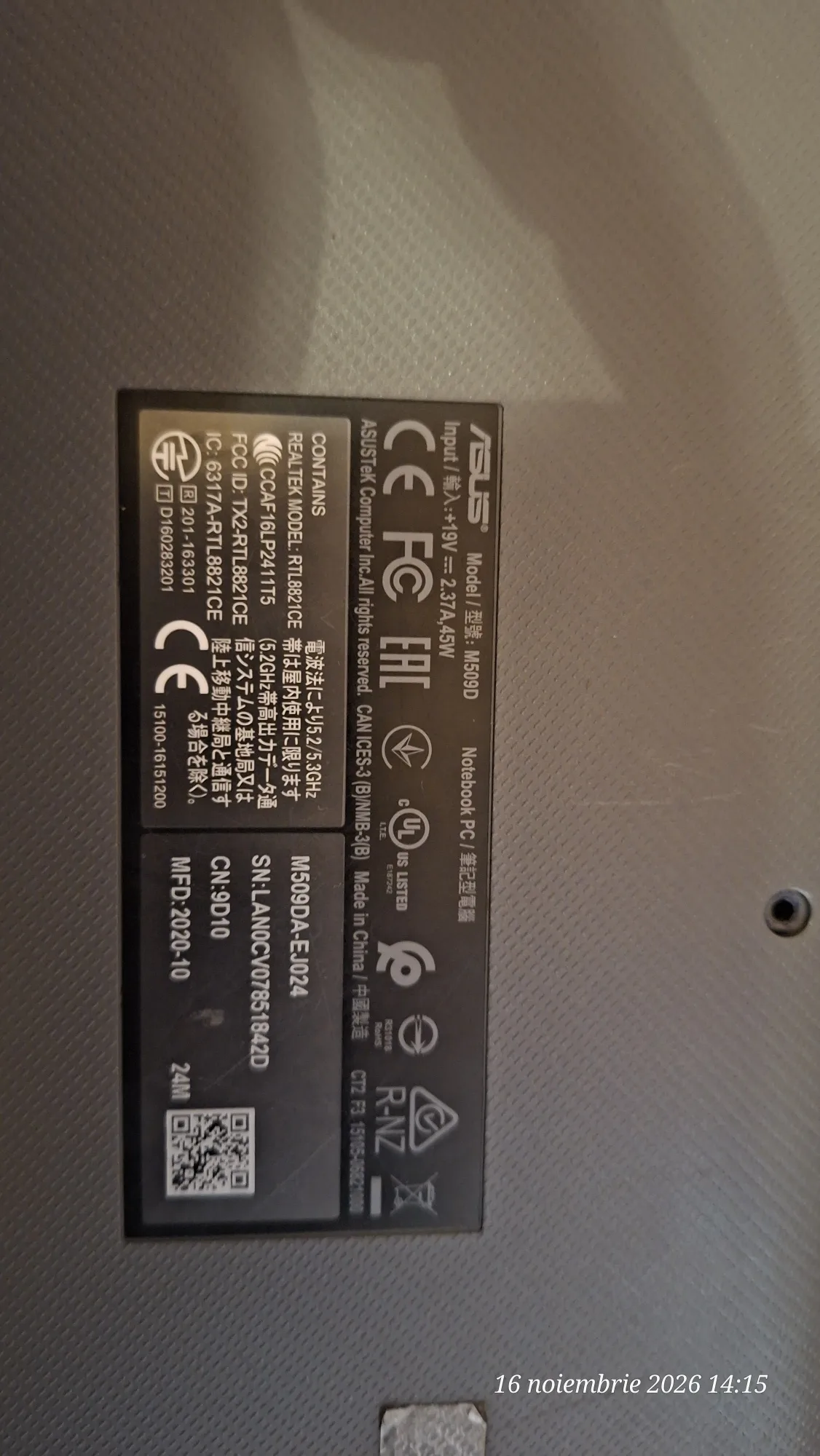
iTechServiceTM performed a hardware maintenance intervention on an ASUS M509DA-EJ024 laptop, equipped with an AMD Ryzen 5 3500U processor and AMD Radeon Vega 8 integrated graphics card.
The objective of the intervention was to remove dust accumulated inside the equipment and replace the thermal conductive paste, for the maintenance of the cooling system and ensuring proper thermal transfer between the processor and the heatsink.
Operations performed
- Removing the bottom cover for access to internal components.
- Cleaning the accumulated dust inside the laptop.
- Cleaning the cooling system, including the fan and heatsink area.
- Removing the existing thermal paste and applying new thermal compound.
- Reassembling the laptop after completing maintenance operations.
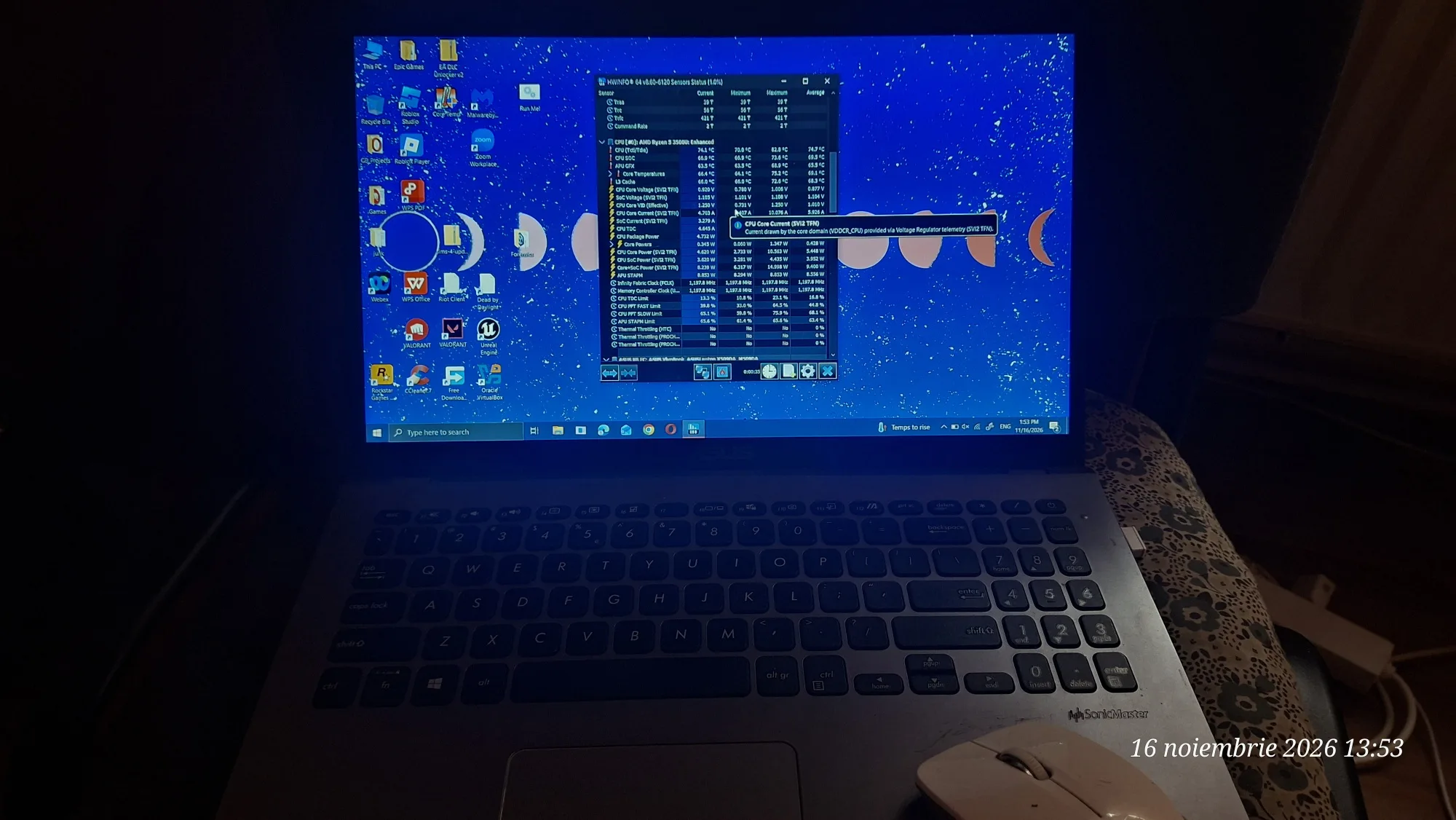
- Checking operation and monitoring the temperatures of the processor and graphics component using HWiNFO.
Temperature checks
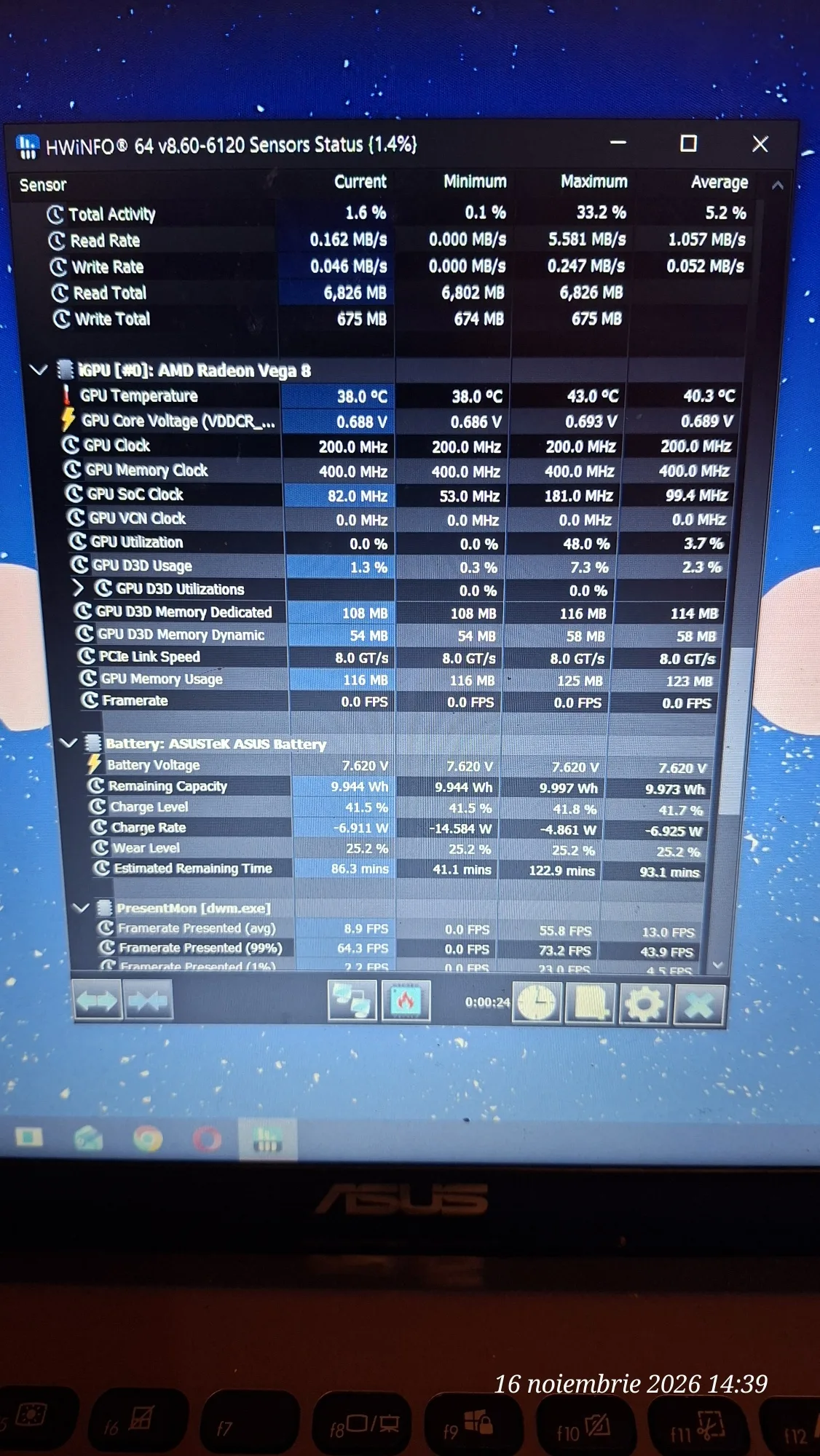
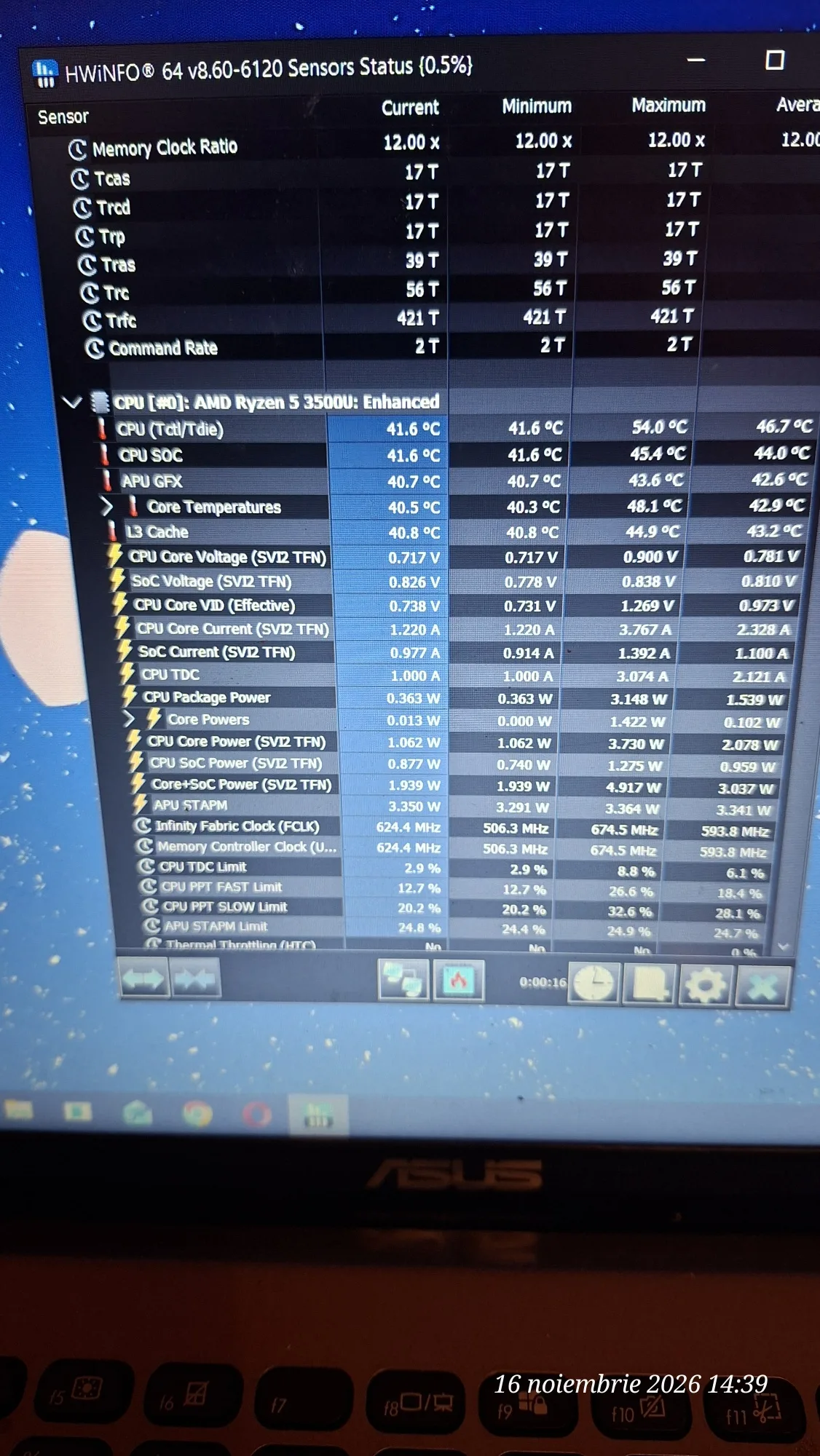
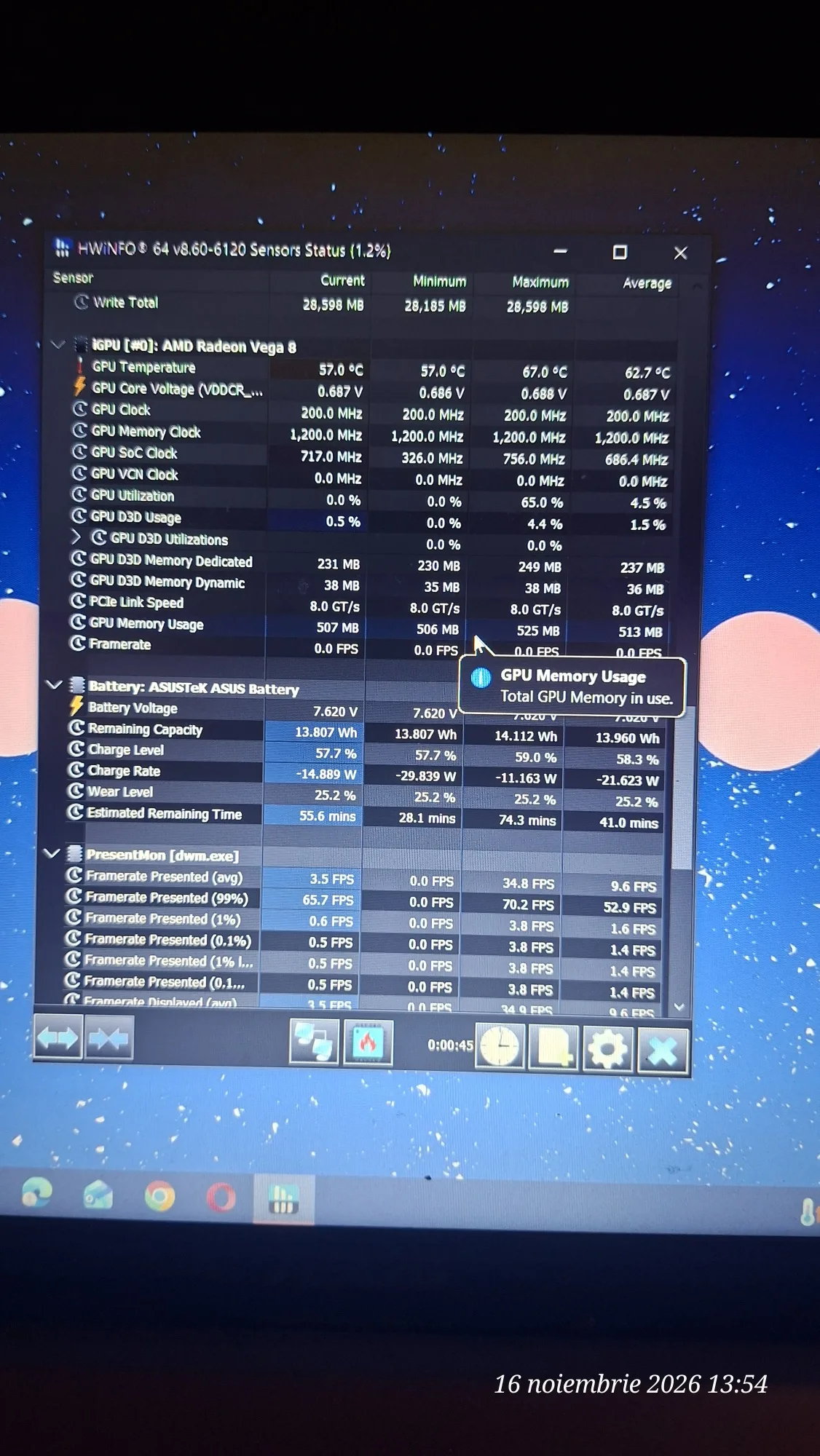
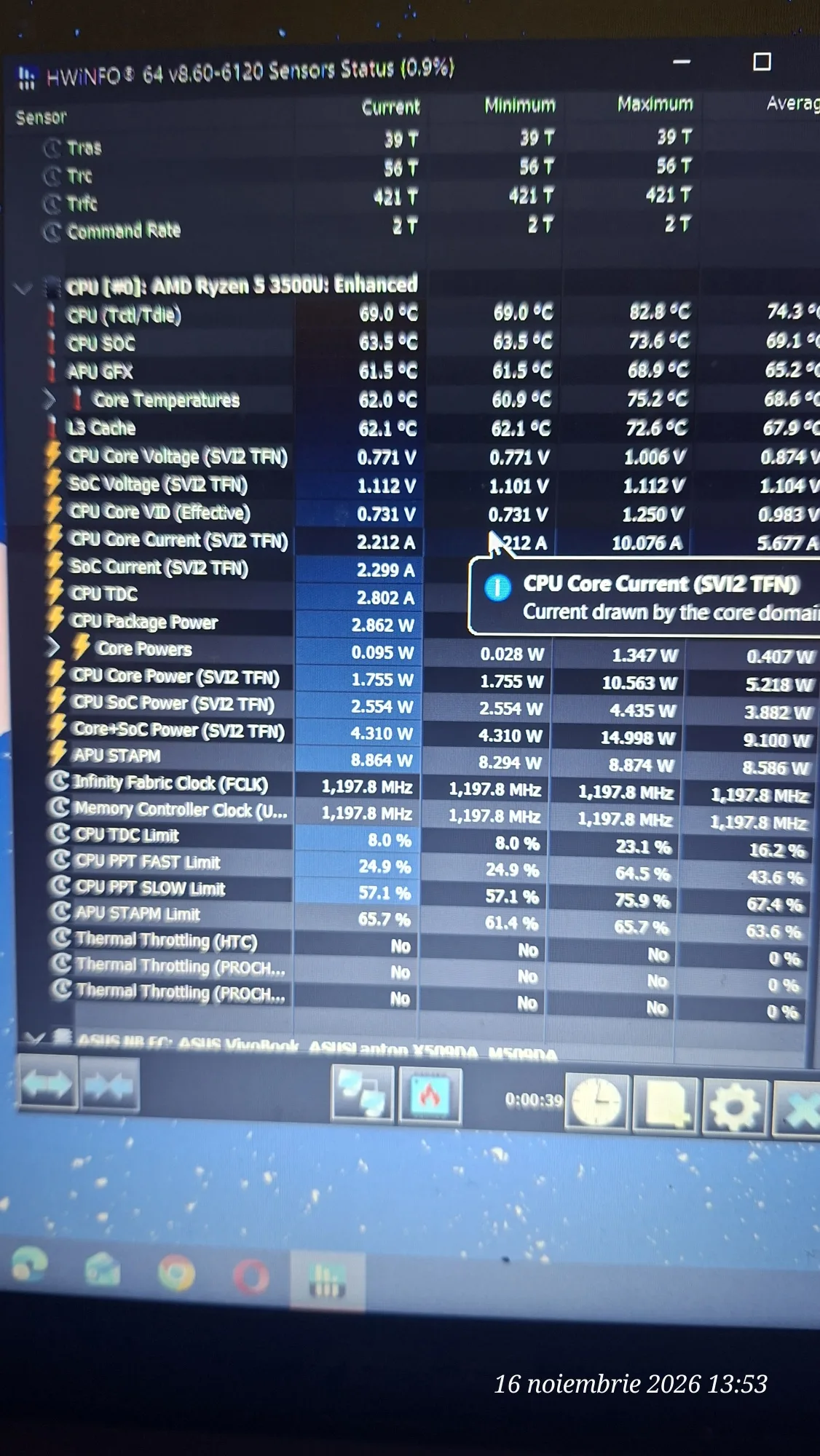
To document the intervention, screen captures of the hardware sensors were taken before and after performing the work.
Before intervention:
- AMD Ryzen 5 3500U processor: maximum temperature recorded of 82,8°C.
- Integrated Radeon Vega 8 graphics: maximum recorded temperature of 67°C.
After cleaning and thermal paste replacement:
- Processor temperature at the time of checking: 41,6°C.
- Maximum processor temperature during the monitored interval: 54°C.
- Graphics component temperature at the time of check: 38°C.
- Maximum graphics component temperature during the monitored interval: 43°C.
The values are documented by HWiNFO captures taken on 16 November 2026. Because the monitoring duration and component load level may differ, these represent recorded observations, not the results of a standardized comparative test.
Result of the intervention
The maintenance operations were completed, and the ASUS M509DA laptop was reassembled and checked for operation.
Dust cleaning and thermal conductive paste replacement help maintain the efficiency of the cooling system, reduce the risk of overheating, and ensure the long-term maintenance of components.
The intervention is documented through photographs of the internal components and HWiNFO captures with temperatures recorded before and after the work.
Service provided by iTechServiceTM – IT & WEB Services.
Photo gallery
Google Reviews
Experiences shared by our clients
5,0 / 5 from 31 Google reviews.