
I called for the configuration of the router, the Wi-Fi air conditioning and the betano app both on PC and phone. Although it was evening he came and solved all problems. I am super satisfied. I recommend with confidence
Configurations & networks
Separate 2.4 and 5 GHz Wi-Fi setup – client from Șag
Configuration of a Huawei 4G CPE 3 router with separate 2.4 and 5 GHz Wi-Fi networks, each using the name and password chosen by the client. The client from Șag brought the router to iTechServiceTM’s home for the work.
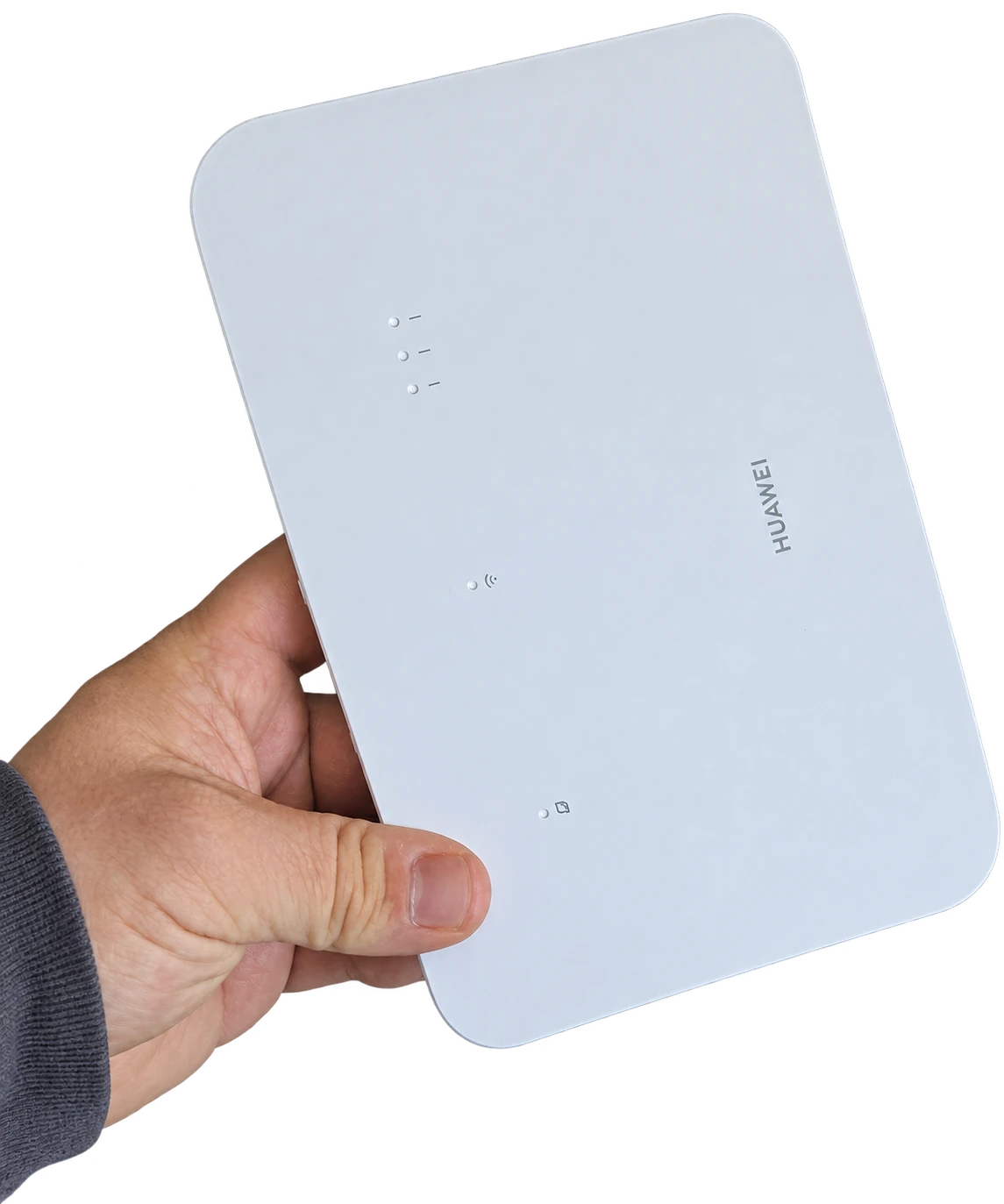
The request from the client in Șag
The client from Șag, Timiș County, contacted iTechServiceTM to customise the wireless network. The client brought the router to iTechServiceTM’s home and requested separate setup of the 2.4 and 5 GHz Wi-Fi bands, using the desired name and password for each network.
Huawei 4G CPE 3 router configuration
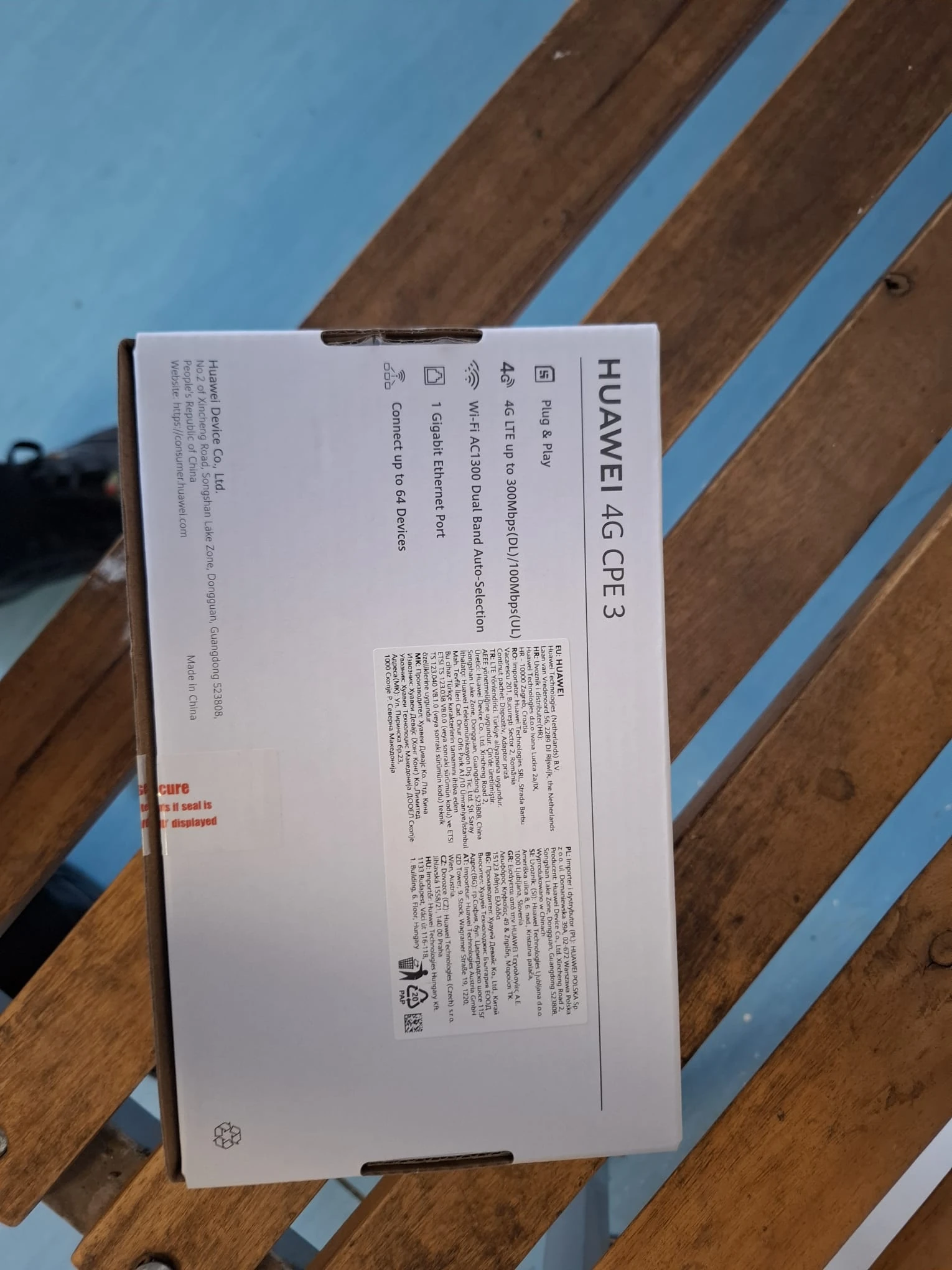
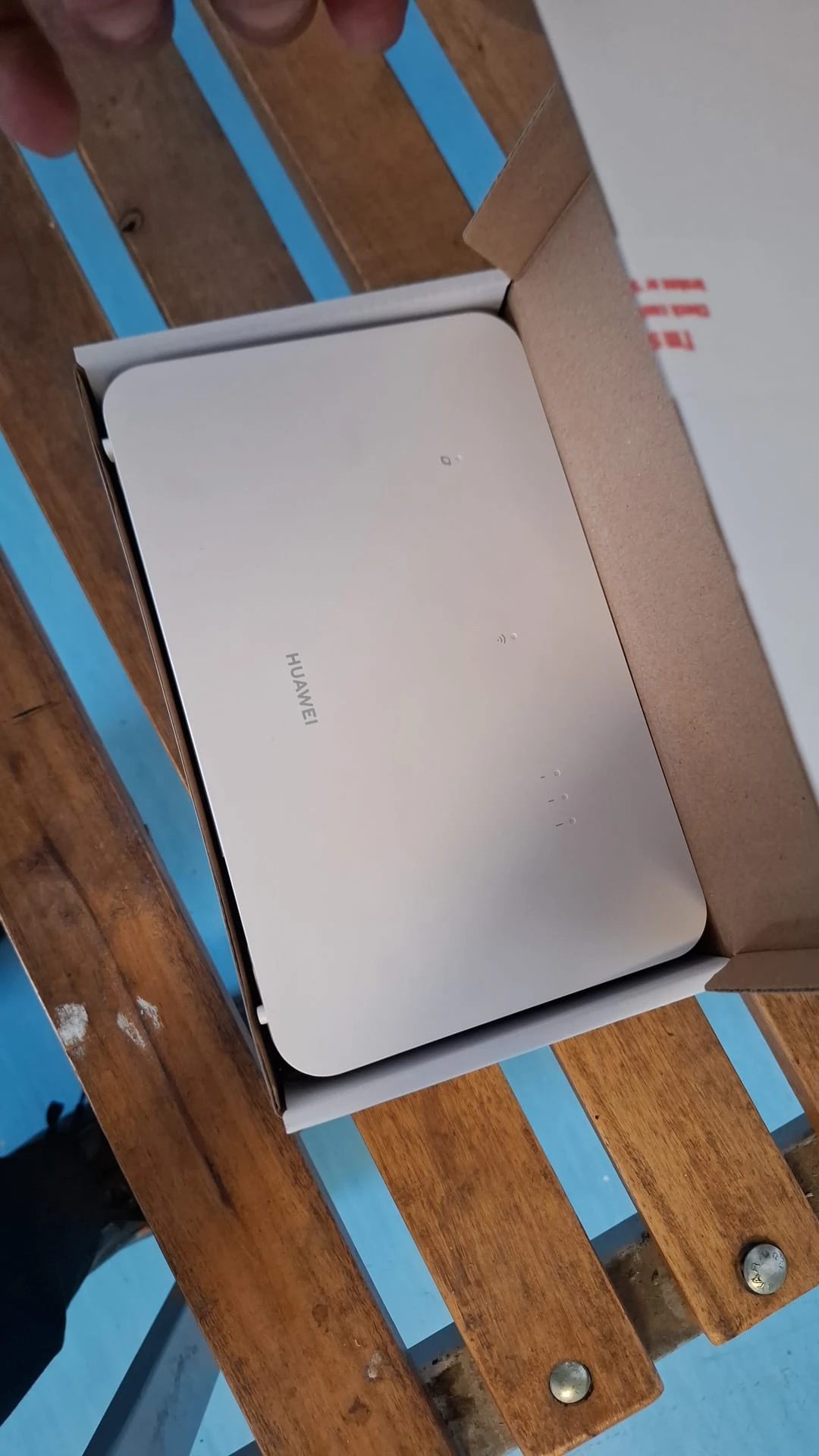
The equipment used in this project is a Huawei 4G CPE 3, shown in the project photographs. I configured the two bands as distinct networks so that the client could recognise and select the preferred band in the list of Wi-Fi connections.
Network name and password chosen by the client
For the 2.4 GHz network, I applied the requested name and password, then configured the 5 GHz network separately according to the client’s preferences. The two networks remained individually identifiable, without a shared name obscuring the choice of band.
The setup outcome
The router was set up with two separate Wi-Fi networks and the connection details specified by the client. The client can explicitly choose the 2.4 GHz or 5 GHz network on devices that support the respective band.
Photo gallery
Google Reviews
Experiences shared by our clients
5,0 / 5 from 21 Google reviews.