
Super OK! Recommended
IT interventions
MacBook Setup for Android Emulator and PokerBROS via Remote Assistance | Wi-Fi 5 GHz
Remote setup of a MacBook to run the PokerBROS app via an ARM64 Android emulator with Google Play, app installation and testing, 5 GHz Wi-Fi configuration and remote technical support throughout the entire project.
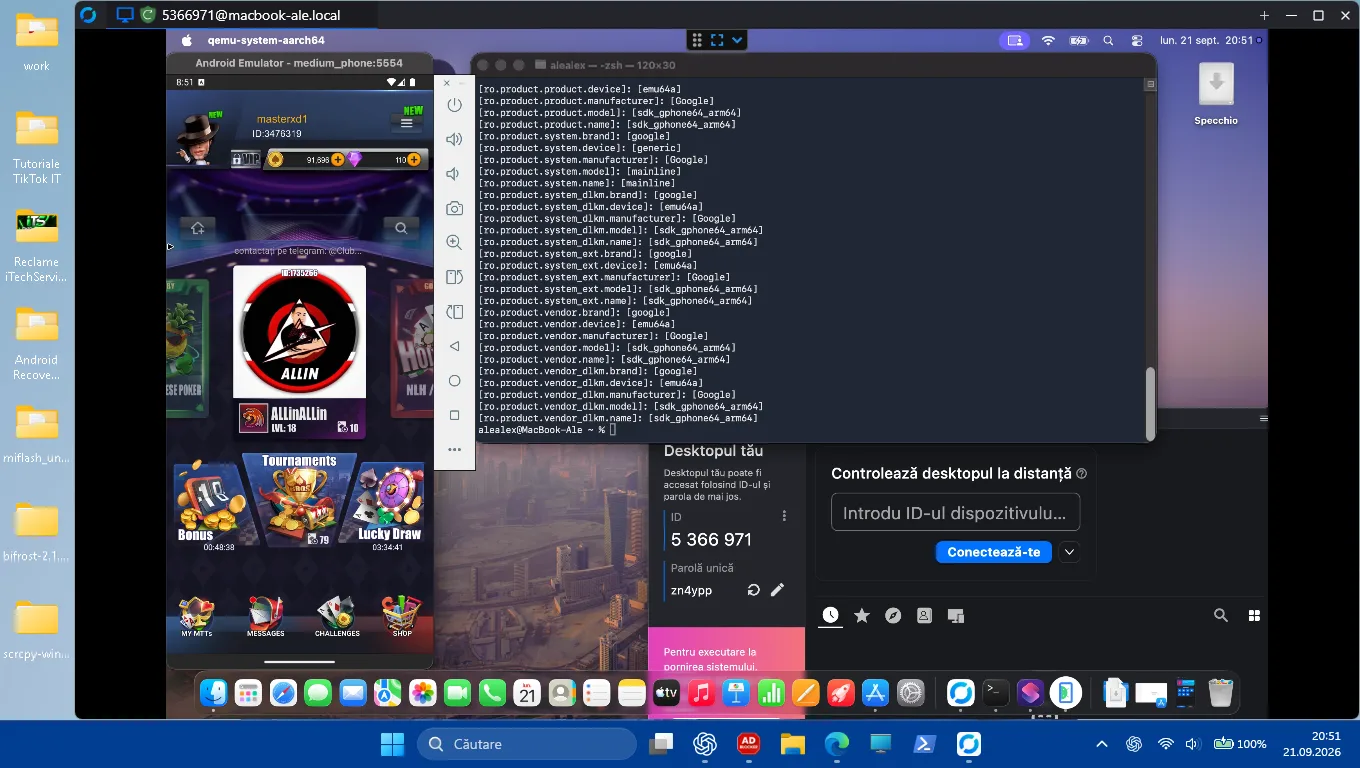
Within this project, iTechServiceTM carried out the remote configuration of an Apple Silicon MacBook to run an Android application directly on macOS, without installing Windows and without using Parallels Desktop.
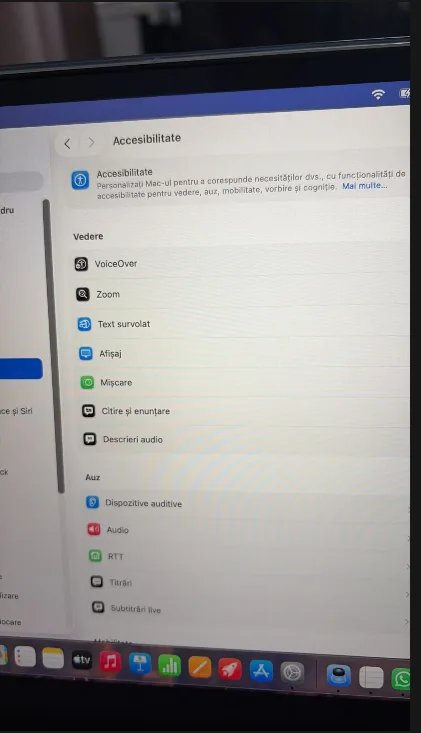
The client's request was to configure a functional Android environment on the MacBook, install and test the application PokerBROS, as well as configure the wireless connection on the Wi-Fi 5 GHz band.
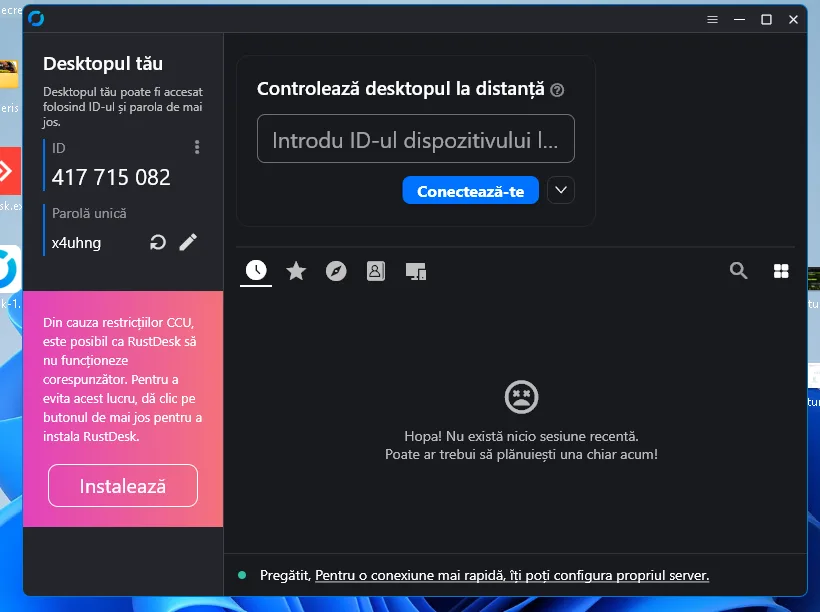
The entire intervention was carried out remotely, via remote technical assistance, from system verification and component installation to emulator configuration, application installation and final testing.
The problem and project objective
The client was using a macOS MacBook and needed to run an application available for Android, in this case PokerBROS, directly on the computer.
The objective was not to install a separate Windows system, but to configure an Android environment running within macOS via an emulator.
At the same time, it was necessary to check and configure the wireless connection, including the use of the Wi-Fi 5 GHz band, for a connection suited to using the application and emulator.
The intervention was carried out entirely through remote assistance, without traveling to the client's location.
The technical solution implemented
To complete the project, we configured a complete Android environment on the MacBook.
The process included several technical stages:
1. Checking the MacBook configuration
In the first step, the hardware and software configuration of the MacBook was checked, including:
- the Apple Silicon processor;
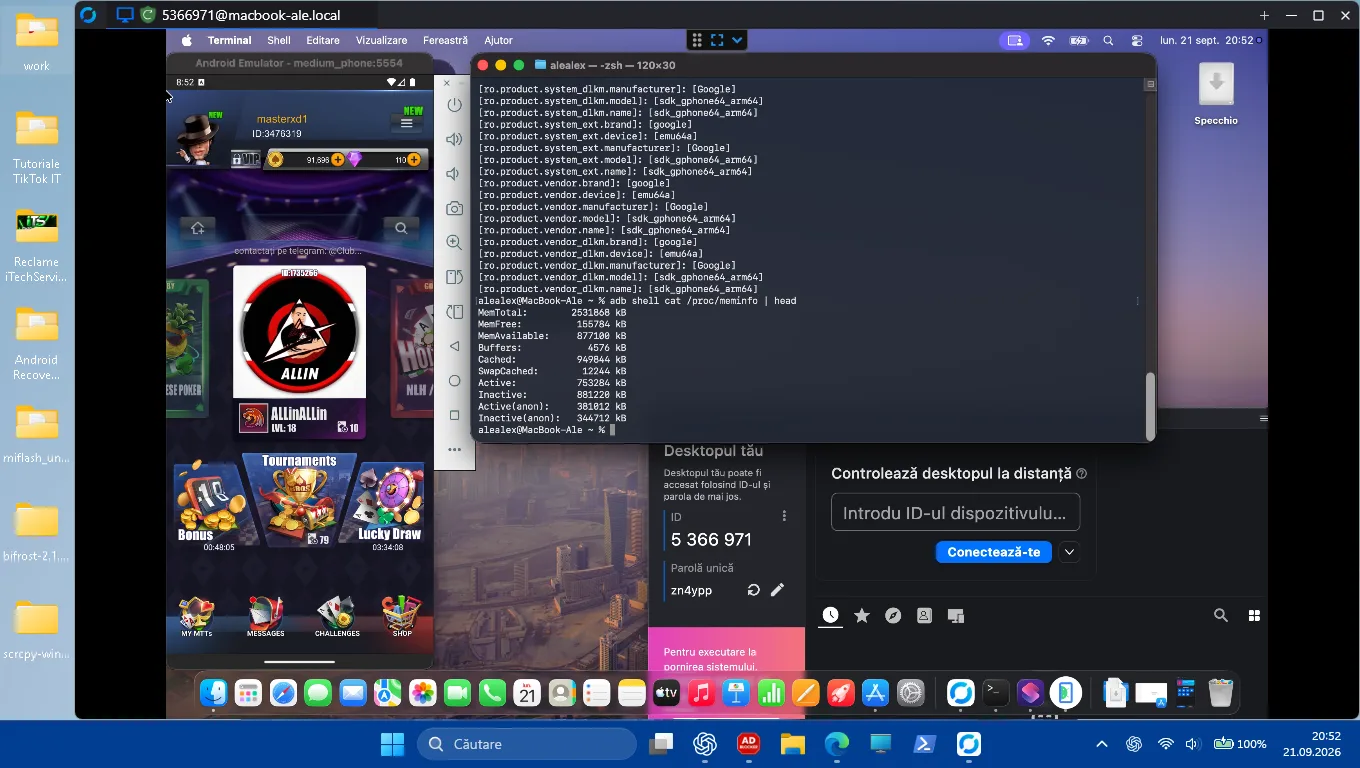
- available RAM memory;
- macOS version;
- system architecture;
- available space;
- compatibility with the Android emulator.
Configuration verification is important because the Android emulator must run on an architecture compatible with the Mac hardware.
2. Configuring the Android environment on macOS
The necessary environment for running Android on the MacBook was configured.
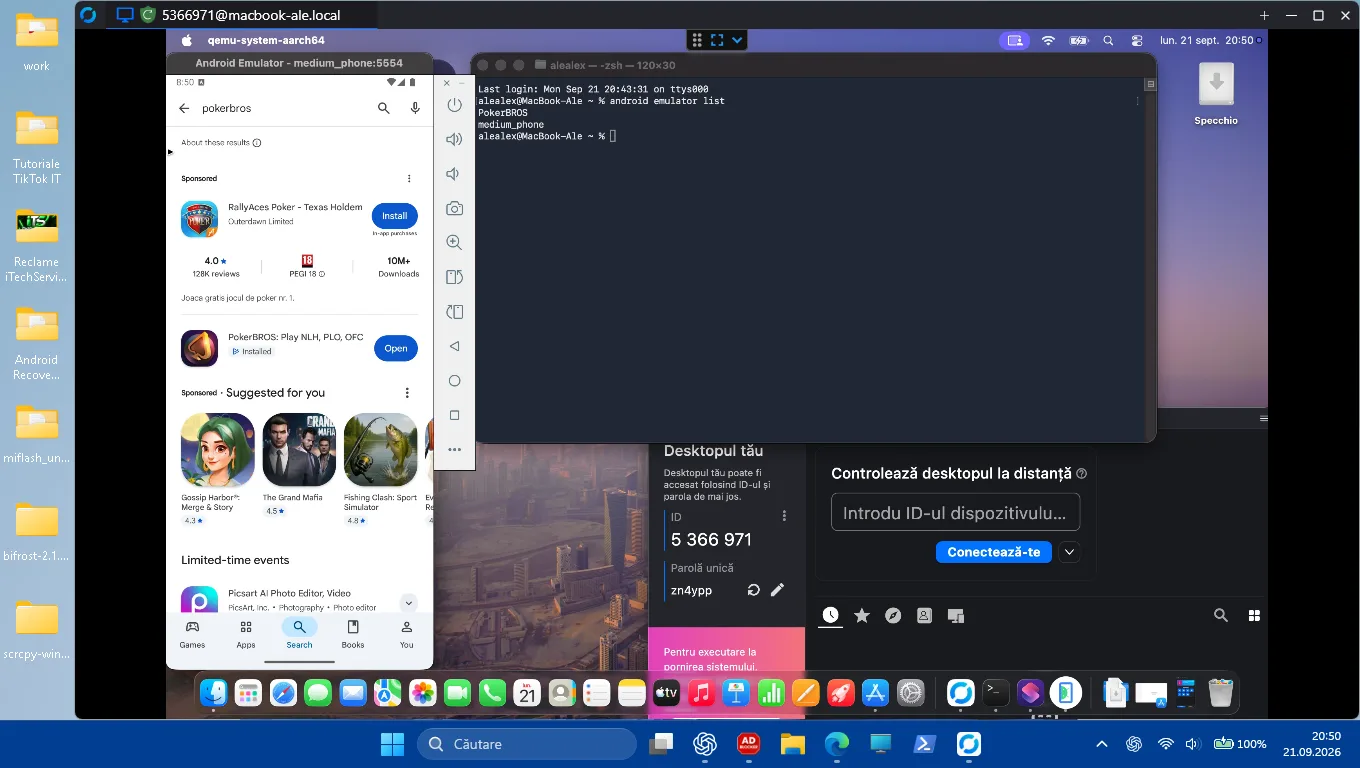
During the intervention, the necessary components for the Android Emulator were installed and configured, including Android SDK tools and components needed to create a virtual Android device.
For this MacBook, the architecture used was ARM64, suitable for the Apple Silicon platform.
3. Configuring the Android emulator
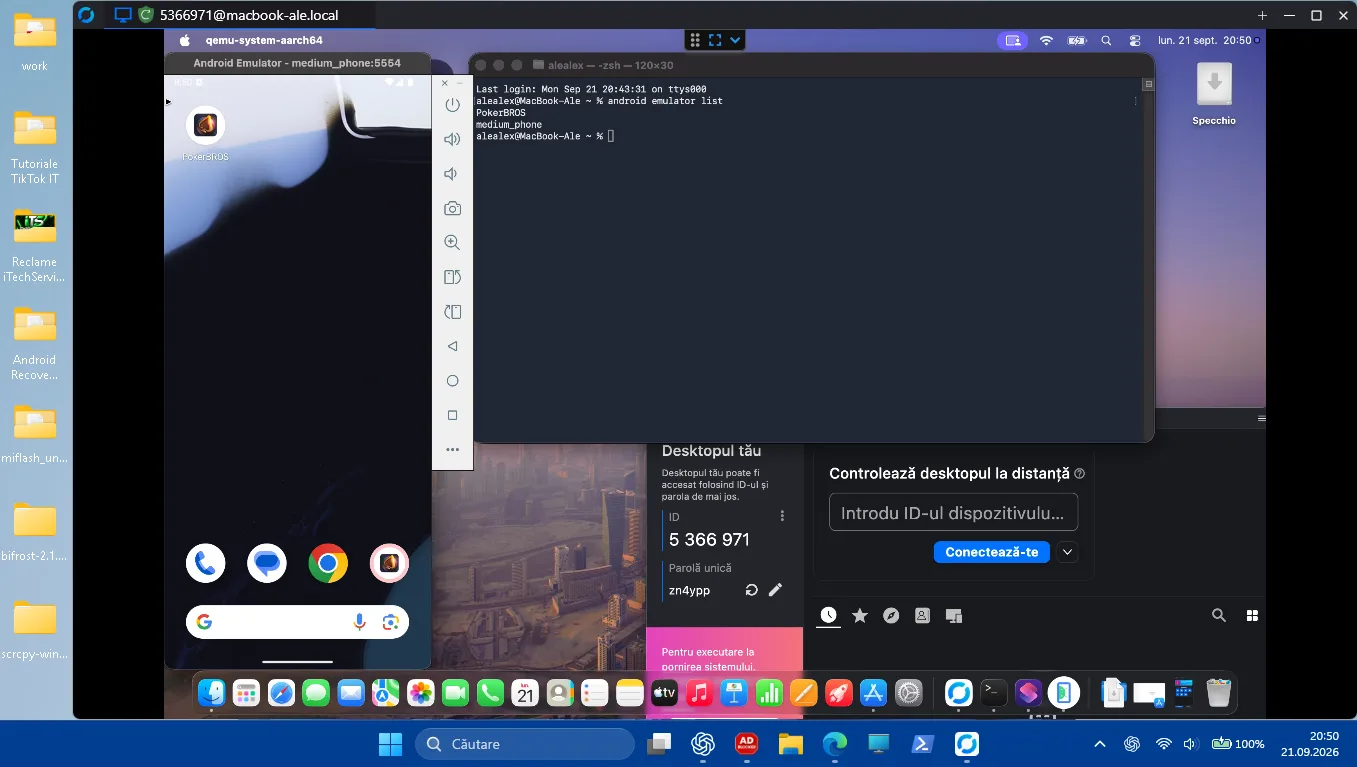
A virtual Android phone-type device was created and configured.
The emulator was configured with:
- Android phone profile;
- ARM64 architecture;
- Android system;
- Android image with Google Play;
- access to Google Play;
- network connectivity;
- the possibility of installing and running Android applications.
After starting the emulator, the operation of the Android system, connectivity and access to applications were checked.
4. Installing the PokerBROS application
After completing the Android emulator configuration, the next step was to install the application PokerBROS.
The application was installed in the virtual Android environment and checked directly on the MacBook.
Following configuration, PokerBROS could be launched and used within the Android emulator, directly from macOS.
Thus, the client can use the Android application on the MacBook without the need to install a separate Windows system.
5. Configuring Google Play
For the emulator, an Android image with Google Play was used, which allows the use of an Android environment closer to the experience of a standard Android device.
The following were checked:
- launching Google Play;
- internet connection functionality;
- application identification;
- application installation;
- launching PokerBROS;
- general functionality of the emulator.
6. 5 GHz Wi-Fi Connection Configuration
In addition to emulator configuration, the intervention also included configuring the 5 GHz Wi-Fi connection.
The wireless connection was checked and configured to use the 5 GHz band when available.
The 5 GHz band can offer, under conditions compatible with the router and the device, higher speeds and a lower level of interference compared to the 2,4 GHz band.
Within the project, the Wi-Fi connection was checked after configuration to ensure the connectivity necessary to use the Android emulator and the PokerBROS application.
7. Remote Technical Assistance Throughout the Entire Project
An important element of this work was the fact that the entire configuration was performed remotely.
The client did not have to transport the MacBook to an IT service centre.
Through the remote connection, we were able to:
- check the system;
- identify the hardware configuration;
- install the necessary components;
- configure the Android environment;
- create the virtual device;
- launch and test the emulator;
- install PokerBROS;
- check application functionality;
- configure the 5 GHz Wi-Fi connection;
- check the final result together with the client.
Remote assistance allows such interventions to be carried out directly on the client's device when the problem and configuration allow remote access.
Final Result
At the end of the intervention, the MacBook was configured to use an Android emulator with Google Play, and the PokerBROS application was installed and tested.
Also, the wireless connection was configured to use 5 GHz Wi-Fi, and the client received remote technical assistance throughout the entire process.
Project Result:
- remotely configured MacBook;
- macOS configured to run the Android emulator;
- Android Emulator installed and configured;
- Android ARM64 virtual device configured;
- Google Play configured;
- PokerBROS installed and tested;
- 5 GHz Wi-Fi configured;
- connectivity verified;
- remote technical assistance provided during the intervention.
Why Can Android Configuration on a MacBook Be Useful?
There are situations where the user needs an Android application, but works primarily from a MacBook.
In such cases, an Android emulator can provide a separate environment where the application can be installed and used without the user changing the computer's operating system.
In this project, the solution was chosen to allow the use of PokerBROS directly on the MacBook, through a virtual Android environment, while keeping macOS as the primary system.
Remote IT Assistance for MacBook and Android Applications
This project is an example of an intervention where the problem did not require the physical travel of a technician.
iTechServiceTM it provides remote IT assistance for the configuration of software, applications, systems, and devices, when the intervention can be safely carried out via remote access.
Software and application configuration services can be performed online, and for physical interventions iTechServiceTM offers services in Timisoara and Timis County.
Photo gallery
Google Reviews
Experiences shared by our clients
5,0 / 5 out of 20 Google reviews.